Scaling Multi-Tenant Database Architectures for Enterprise CRM and ERP
Operational efficiency in enterprise software hinges on data architecture. For operations managers overseeing CRM and ERP platforms, database performance directly impacts business continuity. When an invoicing run stalls, inventory reconciliation lags, or customer records take seconds to load, real-world operations grind to a halt.
As enterprise applications scale, the underlying database architecture must handle exponential data growth while maintaining strict security boundaries. In this engineering story, we explore how to design, optimize, and scale a multi tenant database architecture laravel developers can rely on for high-throughput CRM and ERP systems.
The Core Problem: Scaling Multi-Tenant CRM and ERP Systems
Enterprise CRM and ERP systems present unique database challenges compared to standard SaaS applications. They are highly write-intensive and structurally complex. A single user action—such as approving a purchase order—triggers a cascade of database operations: updating inventory levels, generating ledger entries, creating tax records, and writing to audit logs.
When multiple enterprise tenants run these heavy workloads simultaneously, a poorly designed database architecture quickly bottlenecks. The primary challenges include:
- Data Isolation Compliance: Enterprise clients often require strict physical or logical data separation to meet regulatory standards (such as GDPR, HIPAA, or SOC 2).
- The "Noisy Neighbor" Effect: A single large tenant running a massive payroll or inventory report can consume shared database resources, degrading performance for all other tenants.
- Schema Evolution: Applying database migrations, adding columns, or refactoring tables across millions of rows without causing system downtime.
To solve these challenges, we must evaluate the two primary multi-tenancy models.
Single Database vs. Multi-Database Multi-Tenancy: Pros and Cons
Choosing the right multi-tenant database architecture in Laravel requires balancing operational complexity against performance and security guarantees.
+-------------------------------------------------------------------------+
|                       Multi-Tenancy Architectures                       |
+-------------------------------------------------------------------------+
|                                                                         |
|  [ Single-Database Model ]               [ Multi-Database Model ]       |
|  +-----------------------+               +-----------------------+      |
|  | Central Database      |               | Central DB (Metadata) |      |
|  |  - Tenant A (ID: 1)   |               +-----------------------+      |
|  |  - Tenant B (ID: 2)   |                           |                  |
|  |  - Tenant C (ID: 3)   |              +------------+------------+     |
|  +-----------------------+              |                         |     |
|                                 +---------------+         +---------------+
|                                 | DB: Tenant A  |         | DB: Tenant B  |
|                                 +---------------+         +---------------+
+-------------------------------------------------------------------------+
1. Single-Database (Row-Level Isolation)
In this model, all tenants share the same database. Every table containing tenant-specific data includes a tenant_id foreign key. Laravel developers typically enforce this isolation using Eloquent's global query scopes, which automatically append WHERE tenant_id = ? to every query.
- Pros:
- Low Infrastructure Overhead: Only one database instance to provision, monitor, and back up.
- Simple Migrations: Running a migration updates the schema for all tenants instantly.
- Cost-Effective: Maximizes resource utilization on a single database server.
- Cons:
- High Risk of Data Leaks: A single developer oversight—such as forgetting to apply the global scope on a raw SQL query—can expose sensitive data to the wrong tenant.
- Noisy Neighbor Vulnerability: One tenant's heavy queries can exhaust the database connection pool, slowing down the entire platform.
- Difficult Scaling: As the database grows into hundreds of gigabytes, indexing and optimization become increasingly complex.
2. Multi-Database (Database-Level Isolation)
In this model, every tenant has its own dedicated database. A central "landlord" database stores metadata, such as tenant domain mappings and subscription statuses, and routes incoming requests to the correct tenant database.
- Pros:
- Absolute Data Isolation: Data is physically separated, making security breaches and accidental cross-tenant leaks virtually impossible.
- No Noisy Neighbors: Resource limits can be configured per database, and high-volume tenants can be easily moved to dedicated database hardware.
- Custom Backups and Restores: You can back up or restore a single tenant's database without affecting any other users.
- Cons:
- Operational Complexity: Managing connection pools, running migrations across hundreds of databases, and provisioning new databases on the fly requires robust automation.
- Resource Underutilization: Idle tenants still consume connection overhead and storage allocations.
For enterprise CRM and ERP systems, where data security and predictable performance are non-negotiable, the multi-database model is the industry standard.
How Coravo Isolates Tenant Data Safely and Efficiently
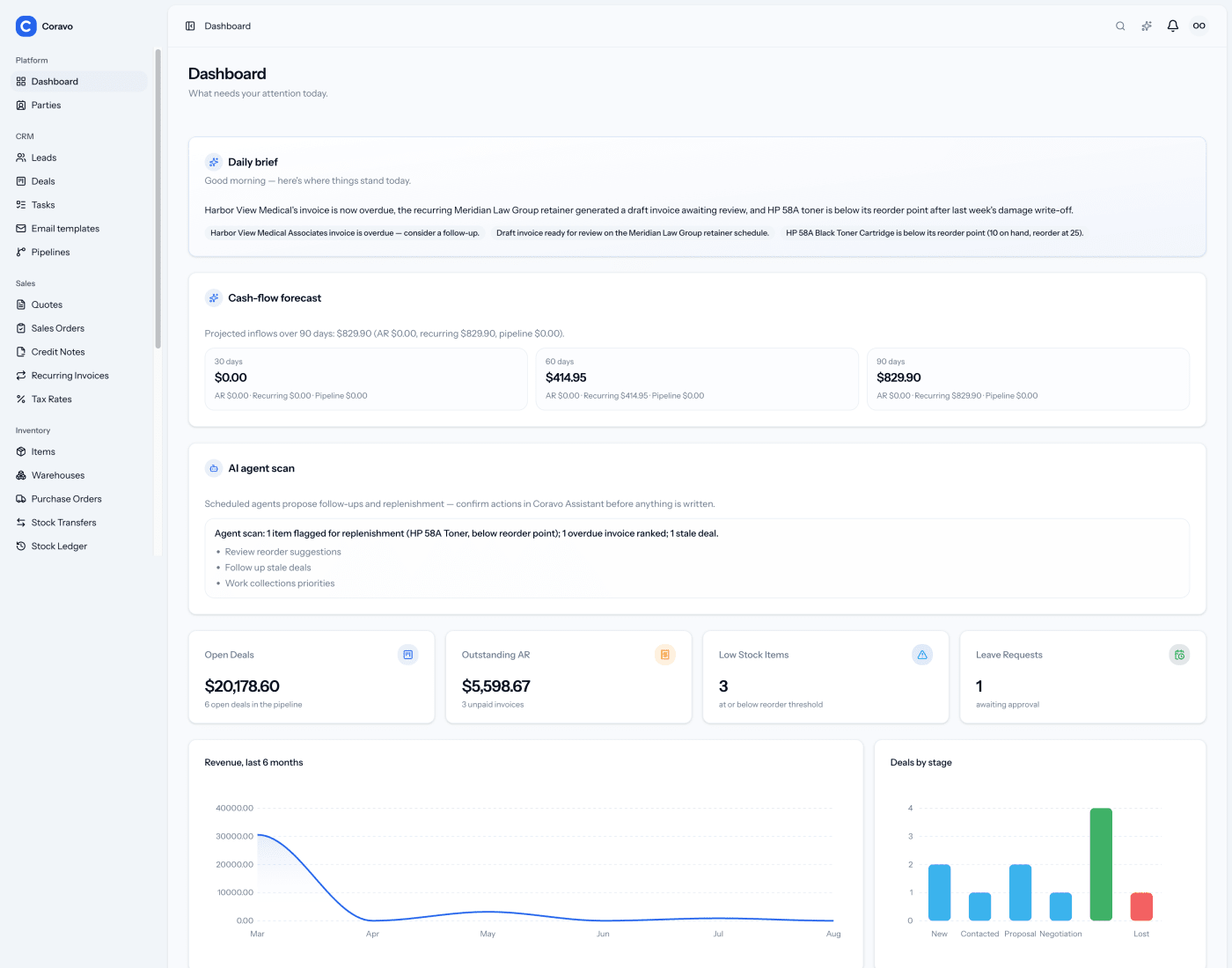
At SoftEntra, we designed Coravo CRM & ERP to handle complex enterprise workloads. To achieve absolute data isolation and high performance, Coravo utilizes a highly optimized multi-database multi-tenancy architecture built on Laravel.
Dynamic Connection Switching
When a request enters the application, Coravo identifies the tenant using the request's hostname or custom domain. A custom Laravel middleware intercepts the request, queries the landlord database to retrieve the tenant's database credentials, and dynamically reconfigures Laravel's default database connection.
Here is a conceptual look at how this dynamic switching is handled safely in Laravel:
namespace App\Http\Middleware;

use Closure;
use Illuminate\Support\Facades\DB;
use Illuminate\Support\Facades\Config;
use App\Models\Tenant;

class IdentifyTenant

{
    public function handle($request, Closure $next)
    {
        $host = $request->getHost();
        $tenant = Tenant::where('domain', $host)->firstOrFail();

        // Purge the existing tenant connection to clear state
        DB::purge('tenant');

        // Dynamically set connection configuration
        Config::set('database.connections.tenant.database', $tenant->database_name);
        Config::set('database.connections.tenant.username', $tenant->database_username);
        Config::set('database.connections.tenant.password', decrypt($tenant->database_password));

        // Reconnect with the new configuration
        DB::reconnect('tenant');
        DB::setDefaultConnection('tenant');

        return $next($request);
    }
}
By purging the connection and resetting the default connection dynamically, we ensure that no database state or query cache leaks between requests, maintaining absolute isolation at the framework level.
Database Optimization Strategies for Fast Invoicing and Inventory Queries
Isolating databases is only the first step. To ensure fast invoicing, real-time inventory tracking, and rapid financial reporting, enterprise ERPs must implement advanced database optimization strategies.
1. Composite Indexing for Temporal Queries
ERP systems rely heavily on date-range queries (e.g., "Fetch all invoices generated between Q1 and Q2"). Standard single-column indexes on created_at or status are insufficient. We implement composite indexes that match the exact query patterns of our reporting engines:
CREATE INDEX idx_invoices_tenant_status_date ON invoices (status, created_at, total_amount);
This composite index allows the database engine to filter by status and sort by date in a single operation, drastically reducing disk I/O.
2. Read-Write Splitting
For high-volume tenants, we configure Laravel to route write operations (INSERT, UPDATE, DELETE) to a primary database instance, while routing read operations (SELECT) to one or more read replicas. This prevents heavy reporting queries from locking tables and blocking critical transactional writes.
'mysql' => [
    'read' => [
        'host' => [env('DB_HOST_READ', '10.0.0.2')],
    ],
    'write' => [
        'host' => [env('DB_HOST_WRITE', '10.0.0.1')],
    ],
    'driver' => 'mysql',
    // ... remaining configuration
],
3. Eager Loading and Query Auditing
To prevent the notorious N+1 query problem—where rendering a list of 100 invoices triggers 101 database queries to fetch associated customer and tax records—we enforce strict eager loading in our Eloquent queries:
// Bad: Triggers N+1 queries
$invoices = Invoice::all();

// Good: Triggers exactly 2 queries
$invoices = Invoice::with(['customer', 'taxRates', 'lineItems'])->get();
During development and staging, we run automated query audits using tools like Laravel Telescope to ensure no endpoint executes duplicate or unindexed queries.
Automating Tenant Provisioning and Database Migrations at Scale
As your SaaS grows, manual database management becomes impossible. If you have 500 tenants, running migrations sequentially on a single thread can take hours and lead to partial failures. We solve this through automation and queue-based processing.
Automated Tenant Provisioning
When a new enterprise client signs up, Coravo automates the provisioning pipeline using asynchronous Laravel Jobs:
- Database Creation: A job connects to the database server and creates a secure, isolated database schema.
- Migration Execution: The job runs the latest database migrations specifically for the new tenant connection.
- Seeding: Default system configurations, currency settings, and tax structures are seeded into the new database.
- DNS Mapping: The tenant's subdomain or custom domain is mapped to the routing engine.
High-Concurrency Migrations
To update schemas across hundreds of tenant databases without downtime, we use a console command that dispatches migration jobs to a high-throughput Redis queue. This allows us to run migrations in parallel across multiple queue workers.
namespace App\Console\Commands;

use Illuminate\Console\Command;
use App\Models\Tenant;
use App\Jobs\MigrateTenantDatabase;

class MigrateAllTenants extends Command
{
    protected $signature = 'tenants:migrate';
    protected $description = 'Run migrations for all tenant databases in parallel';

    public function handle()
    {
        Tenant::chunk(100, function ($tenants) {
            foreach ($tenants as $tenant) {
                MigrateTenantDatabase::dispatch($tenant);
            }
        });

        $this->info('All tenant migration jobs have been dispatched to the queue.');
    }
}
By decoupling the migration process from the deployment script, we ensure that schema updates are applied safely, concurrently, and with full retrying capabilities in case of transient network failures.
Leveraging SoftEntra's SaaS Development & Coravo for Your Enterprise
Building a highly scalable, secure, and performant multi-tenant ERP or CRM requires deep architectural expertise. Mistakes made at the database design phase can lead to costly refactoring, data leaks, and performance degradation down the road.
At SoftEntra, we build enterprise-grade software designed to scale. Our flagship CRM & ERP platform, Coravo, is engineered from the ground up with robust data isolation, high-performance query optimization, and automated provisioning systems. Whether you need a self-hosted ERP to manage your operations or want to build a custom multi-tenant SaaS, our team is here to help.
We offer specialized SaaS Development and Cloud & DevOps Setup services to help you design, deploy, and scale high-performance applications on robust cloud infrastructure.
Ready to scale your application infrastructure? Leverage our SaaS Development services to build your next high-performance multi-tenant application.
FAQs
How does multi-database tenancy affect backup and disaster recovery strategies?
Multi-database tenancy significantly simplifies backups and disaster recovery. Because each tenant's data is stored in an isolated database, you can perform independent, point-in-time restores for a single customer without affecting others. This is a critical requirement for enterprise-grade compliance and SLA guarantees.
Can we mix single-database and multi-database approaches in Laravel?
Yes, this is known as a hybrid multi-tenant architecture. You can store global, system-wide data (like subscription plans, system logs, and global configurations) in a central database, while routing tenant-specific operational data (such as invoices, inventory, and customer records) to dedicated tenant databases.
How do you handle global reporting across all tenants in a multi-database setup?
Running cross-tenant queries directly across hundreds of databases is highly inefficient. Instead, we recommend using an asynchronous ETL (Extract, Transform, Load) pipeline to sync relevant reporting data from individual tenant databases into a centralized data warehouse or a dedicated read-only analytical database.
Leverage our SaaS Development services to build your next high-performance multi-tenant application.