Transitioning from Paper to Digital: A Guide to Clinic Management Systems
For decades, the physical patient chart has been the central nervous system of the private medical clinic. Manila folders, handwritten progress notes, color-coded filing tabs, and physical prescription pads defined the daily rhythm of healthcare administration.
But for a busy practice manager, this paper-based reality is increasingly unsustainable. Every physical chart represents a bottleneck. It can only be in one place at one time. If a doctor is reviewing a chart in an exam room, the front desk cannot answer a billing query from that same patient on the phone.
Transitioning from paper to digital clinic management is no longer a luxury reserved for multi-specialty hospitals. It is a fundamental operational upgrade that directly impacts your clinic's profitability, staff retention, and patient satisfaction. This guide provides a practical blueprint for practice managers ready to lead their clinics through this digital transformation.
The Hidden Costs and Operational Risks of Paper Patient Records
To build a compelling business case for digital transformation, you must first quantify the true cost of maintaining your current paper-based system. Paper charts do not just occupy physical space; they drain your clinic's operational efficiency in several critical ways:
1. The Real Estate Tax on Filing Cabinets
Every square foot of your clinic dedicated to storing physical charts is dead space. In a commercial medical suite, real estate is expensive. A single standard four-drawer filing cabinet occupies roughly six square feet of floor space (including the clearance required to open the drawers). If your clinic has ten of these cabinets, you are sacrificing sixty square feet of prime clinical space—space that could otherwise be used for an extra treatment room, a specialized diagnostic machine, or a more comfortable patient waiting area.
2. The Administrative Search Latency
When a patient calls to reschedule an appointment or ask a question about a prescription, your front-desk staff must physically leave their desk, walk to the records room, locate the chart, extract the information, return to the desk, and file the chart back in its correct location. If a chart is misfiled—perhaps filed under "Jon" instead of "John"—the search can take hours, leading to frustrated patients and stressed administrative staff.
3. Compliance, Security, and Disaster Risks
Paper records lack a secure audit trail. There is no way to verify who has accessed a physical file, when they looked at it, or what information they viewed. Furthermore, paper is highly vulnerable to physical destruction. A localized pipe burst, a minor electrical fire, or even a spilled cup of coffee can permanently erase years of irreplaceable clinical history, exposing your practice to severe compliance liabilities and operational paralysis.
Mapping Your Clinic's Workflow: From Check-In to Digital SOAP Notes
Successful digital adoption fails when clinics try to force-fit digital tools into broken physical processes. Before installing any software, you must map your current patient journey and translate each physical touchpoint into its digital equivalent.
[Physical Workflow]  -->  [Digital Translation]
-----------------------------------------------------------------
Paper Intake Form    -->  Digital Intake / Tablet Registration
Handwritten Chart    -->  Structured SOAP Notes Template
Physical Routing Slip-->  Automated Billing & ICD-10 Coding
Paper Rx Pad         -->  Digital Prescription Module
Step 1: The Patient Check-In & Intake
- The Paper Path: The patient arrives, is handed a clipboard with photocopied intake forms, and fills them out by hand. The front-desk receptionist then manually transcribes this handwriting into a basic scheduling spreadsheet and photocopies the patient's insurance card.
- The Digital Path: The patient completes their registration on a tablet in the waiting room (or pre-registers online before arrival). The data flows directly into their digital profile, eliminating transcription errors and reducing waiting room congestion.
Step 2: The Clinical Encounter & SOAP Notes
- The Paper Path: The nurse takes vitals, writes them on a slip of paper, and clips it to the front of the physical folder. The physician enters the room, reads the previous handwritten notes (often struggling with illegible handwriting), and writes a new SOAP (Subjective, Objective, Assessment, Plan) note by hand.
- The Digital Path: The nurse enters vitals directly into the patient's digital record on a laptop or tablet. The physician opens the patient's chart, instantly views historical trend lines for vitals, and documents the encounter using structured digital SOAP templates. Dropdown menus and quick-text shortcuts speed up documentation while ensuring clinical accuracy.
Step 3: Checkout, Billing, and Follow-Up
- The Paper Path: The doctor writes a billing code on a paper routing slip and hands it to the patient. The patient carries this slip to the front desk. The receptionist manually calculates the co-pay, processes the payment on a standalone terminal, and writes a physical receipt.
- The Digital Path: When the physician completes the digital SOAP note, the system automatically generates an invoice based on the selected treatment codes. The front desk accesses this pending invoice instantly, processes the payment, and schedules the follow-up appointment directly within the same unified calendar.
Training Your Front Desk and Medical Staff for Digital Adoption
The primary barrier to digital transition is rarely the technology itself; it is human resistance to change. Staff members who have used paper systems for decades may feel intimidated by new software. To ensure a smooth transition, implement a structured training and change-management strategy.
1. Identify and Empower "Super-Users"
Do not attempt to train everyone at the same level of intensity simultaneously. Instead, select one champion from your administrative team (e.g., your front-desk lead) and one from your clinical team (e.g., a lead nurse or physician). Train these "super-users" deeply. They will act as your on-the-ground support system during the launch phase, answering quick questions and troubleshooting minor issues so your transition does not grind to a halt.
2. Implement a Phased Rollout
Avoid the temptation to go "cold turkey" on paper overnight. A sudden transition creates panic when the clinic is busy. Instead, use a phased approach:
* Week 1 (Parallel Run): Keep using paper charts, but have your super-users enter a subset of patients (e.g., new patients only) into the digital system to practice the workflow in real-time.
* Week 2 (Digital-First Scheduling): Move all appointment scheduling and patient intake to the digital system. Keep clinical notes on paper if necessary, but scan them into the digital system at the end of the day.
* Week 3 (Full Digital Integration): Transition clinical charting to digital SOAP notes. Keep physical files archived nearby for reference, but do not create new paper charts.
3. The Digital Transition Checklist for Practice Managers
Use this checklist to prepare your clinic for launch day:
- [ ] Hardware Audit: Ensure every exam room has a dedicated device (laptop, tablet, or desktop) and the front desk has dual-monitor setups for efficient scheduling.
- [ ] Network Reliability: Verify that your clinic's local network is secure, fast, and has a backup internet connection (such as a cellular hotspot) in case of primary ISP failure.
- [ ] Data Migration Strategy: Decide which historical paper records need to be scanned. A best practice is to scan only the records of patients scheduled to visit in the next 30 days, rather than attempting to scan your entire historical archive at once.
- [ ] Role-Based Access Control: Set up user accounts with appropriate permissions (e.g., receptionists can view schedules but cannot edit clinical SOAP notes; billing staff can access invoices but not clinical histories).
How ProMediClinic Simplifies Patient Intake, Billing, and Scheduling
When selecting a digital platform, practice managers are often forced to choose between expensive, rigid SaaS platforms that charge high monthly per-user fees, or outdated legacy software that is difficult to maintain.
ProMediClinic offers a modern, self-hosted alternative built on the robust Laravel framework. Because it is self-hosted, your clinic retains 100% ownership of your patient data—a critical factor for medical compliance and data sovereignty. You pay for the software once, host it on your secure infrastructure, and scale your practice without worrying about escalating monthly software subscriptions.
Here is how ProMediClinic addresses the core pillars of your digital transition:
Unified Appointment Scheduling
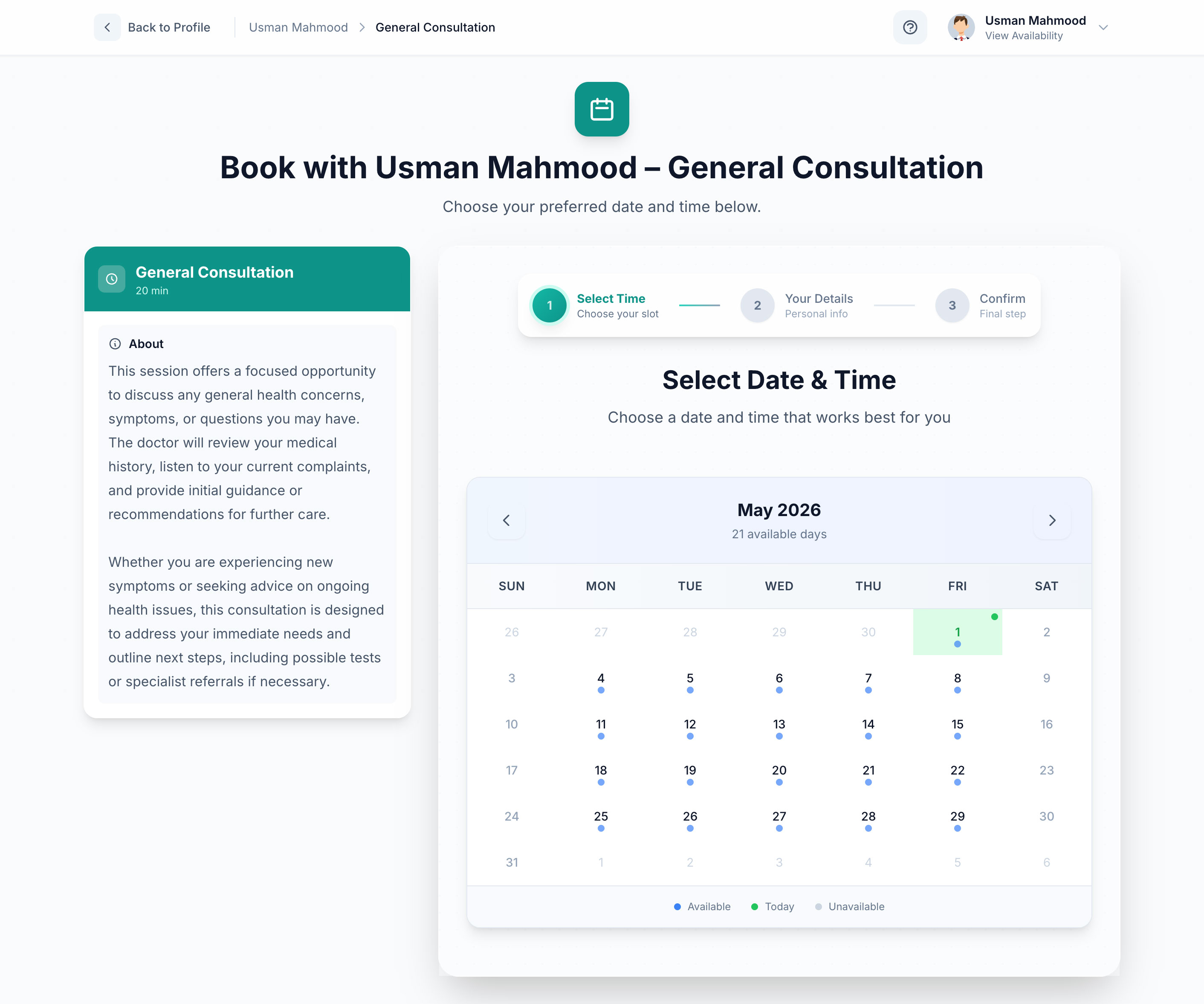
ProMediClinic replaces chaotic paper appointment books with a dynamic, drag-and-drop calendar interface. Your front desk can manage schedules for multiple doctors, track patient check-in statuses in real-time, and prevent double-bookings automatically.
Structured Digital Patient Records & SOAP Notes
Say goodbye to illegible handwriting. ProMediClinic provides clean, intuitive interfaces for documenting patient encounters. Physicians can quickly input subjective complaints, objective findings, clinical assessments, and treatment plans. These records are permanently linked to the patient's profile, creating a chronological, searchable medical history accessible in seconds.
Integrated Billing and Financial Tracking
ProMediClinic bridges the gap between clinical care and financial management. When a consultation is completed, the system allows administrative staff to generate professional invoices, track outstanding balances, and record payments instantly. This tight integration ensures that no billable services slip through the cracks.
Need Help Navigating the Technical Transition?
If your clinic does not have an in-house IT department, the prospect of deploying self-hosted software can feel daunting. Softentra offers dedicated Technical Advisory services to guide you through the process. Our team can assist with server selection, security hardening, database configuration, and backup strategy design, ensuring your transition to ProMediClinic is secure, compliant, and seamless.
Frequently Asked Questions
How do we handle historical paper records when moving to a digital system?
We recommend an "on-demand" scanning strategy. Instead of spending thousands of dollars scanning your entire physical archive, only scan the files of patients who have scheduled appointments. Within 6 to 12 months, you will have digitized the active portion of your patient base, while inactive files can remain archived in low-cost off-site storage.
What happens to our digital records if our internet connection goes down?
Because ProMediClinic is a self-hosted web application, you have the flexibility to host it on a local server within your clinic's physical network. If you choose this deployment model, your staff can continue to access patient records, schedule appointments, and write SOAP notes even if your external internet connection fails entirely.
Is self-hosted software secure enough to store sensitive medical data?
Yes. In fact, self-hosted software like ProMediClinic often provides superior security because your data is not pooled with thousands of other clinics on a public SaaS database. By deploying ProMediClinic on a secure private cloud or local server with proper SSL encryption, firewalls, and automated backups, you maintain absolute control over who accesses your patient data.
Next Steps for Your Practice
Transitioning from paper to digital clinic management is a journey that requires careful planning, the right tools, and a committed team. By mapping your workflows, training your staff systematically, and deploying a secure, self-hosted solution like ProMediClinic, you can eliminate administrative bottlenecks and focus on what matters most: delivering exceptional patient care.
Ready to modernize your medical practice's workflow? Explore ProMediClinic's digital record system today, or contact Softentra's Technical Advisory team to plan your custom deployment.
FAQs
How do we migrate historical paper records to a digital system?
The most practical approach is a phased migration. Instead of scanning every historical file at once, scan files on-demand as patients book appointments. For inactive patients, archive physical files off-site or scan them in batches during low-traffic periods.
Is self-hosted clinic software secure enough for patient records?
Yes, and in many cases, it is preferred for data sovereignty. By hosting ProMediClinic on your own secure cloud or local server, you retain complete ownership of your data, control access logs, and avoid third-party SaaS data breaches. Ensuring proper SSL, firewall, and backup protocols is essential.
What hardware do we need to run a digital clinic management system?
You do not need specialized medical hardware. Standard tablets (like iPads or Android tablets) work perfectly for patient intake, while standard desktop computers or laptops with dual monitors are ideal for front-desk scheduling and clinical charting.
Modernize your medical practice's workflow with ProMediClinic's digital record system.