Linktree Alternatives: Why Creators Move to Self-Hosted Bio Links
For years, the "link in bio" has served as the digital front door for creators, freelancers, and independent businesses. Platforms like Linktree made it incredibly simple to aggregate social media links, store products, and newsletter signups into a single, mobile-friendly landing page.
However, as the creator economy matures, many are realizing a fundamental truth: renting digital real estate on a third-party platform is a long-term business risk.
Subscription fatigue, limited design flexibility, and the loss of valuable search engine optimization (SEO) equity have driven a massive shift toward self-hosted alternatives. Instead of paying a perpetual monthly fee to host a basic list of links on someone else's domain, forward-thinking creators are deploying their own self-hosted digital business cards and bio link platforms.
In this guide, we will break down the limitations of SaaS bio link tools, explore why owning your domain is a game-changer for your brand's SEO, and compare Linktree directly with our self-hosted alternative, ProfileSuite.
The Limitations of Third-Party Bio Link Tools for Brand Conversion
While SaaS bio link tools offer convenience, they come with significant compromises that can actively hinder your brand's growth and conversion rates.
1. The "SaaS Tax" and Recurring Costs
To unlock basic professional features—such as removing third-party branding, using custom CSS, scheduling links, or accessing detailed analytics—SaaS platforms force you into monthly subscription tiers. Over a few years, paying $5 to $30 per month for a simple landing page adds up to hundreds of dollars. For creators managing multiple brands or client profiles, these costs scale linearly and indefinitely.
2. Branding Constraints and Homogenized Designs
When you use a popular third-party tool, your page looks like millions of other pages on the internet. Even with paid customization options, you are confined to their layout grids, font selections, and button styles. If you want a truly bespoke user experience that aligns perfectly with your brand guidelines, SaaS platforms quickly hit a ceiling.
3. Platform Risk and Data Lock-in
When you rely on a third-party service, you do not own your data. If the platform suffers an outage, your primary traffic routing hub goes down with it. Worse, if their automated systems flag your account or change their terms of service, you could lose your link-in-bio page and your accumulated analytics history overnight without warning.
Why Owning Your Domain and Bio Link Platform Matters for SEO
Every time you direct your social media followers to a link like linktr.ee/yourbrand, you are giving away valuable search engine authority.
[Your Social Media Followers]
       │
       ▼
  linktr.ee/yourbrand  ──► (Passes Domain Authority & Traffic Data to Linktree)
       │
       ▼
  [Your Actual Website]
When you self-host your bio link on your own domain (e.g., links.yourbrand.com or yourbrand.com/links), the dynamic changes completely:
- Domain Authority Accumulation: Every backlink, social share, and click-through directly benefits your own domain. Over time, this signals to search engines like Google that your website is active and authoritative, boosting your overall organic search rankings.
- First-Party Data and Tracking: Third-party cookie deprecation makes first-party data collection critical. By self-hosting, you can place your own tracking pixels (Meta, Google Analytics, TikTok) directly on your domain without relying on restrictive, high-tier SaaS integrations. You capture 100% of your visitor data cleanly and privately.
- Seamless Brand Experience: Visitors never leave your ecosystem. The transition from your Instagram bio to your landing page, and subsequently to your checkout page or blog, happens entirely under your own domain name. This consistency builds trust and increases conversion rates.
ProfileSuite vs. Linktree: Comparing Customization, Analytics, and Lead Capture
To help you evaluate the shift to self-hosting, let's compare ProfileSuite—a self-hosted digital identity and lead capture platform built on Laravel and Vue—with Linktree's subscription-based model.
Comparison Matrix
| Feature | Linktree (Pro/Premium) | ProfileSuite (Self-Hosted) |
|---|---|---|
| Pricing Model | Recurring monthly subscription ($9 - $30+/mo) | One-time license purchase (Lifetime ownership) |
| Hosting & Domain | Hosted on Linktree servers; custom domain costs extra | Hosted on your own server; unlimited custom domains |
| Data Ownership | Proprietary database (Third-party owned) | 100% private database (You own all user data) |
| Customization | Template-bound, limited styling controls | Unlimited layout edits, custom CSS, full source code |
| Lead Capture | Basic email integrations on higher tiers | Built-in vCard generator, custom forms, QR codes |
| Analytics | Tier-restricted dashboards | Deep, self-hosted analytics with zero tracking limits |
Customization and Brand Control
Linktree limits you to their predefined templates. With ProfileSuite, because you have full access to the underlying Laravel and Vue source code, the design possibilities are infinite.
If your brand requires a highly specific aesthetic, you can easily implement custom layouts, unique animations, and custom interactive elements. For creators who want a completely tailored look without writing code, SoftEntra offers professional Custom UI/UX Design services to build a bespoke theme directly on top of your ProfileSuite installation.
Analytics and Privacy Compliance
SaaS tools often aggregate and monetize user interaction data. ProfileSuite keeps your analytics entirely private. You can track page views, link clicks, geographic locations, and device types directly from your own dashboard. Because the data resides on your server, complying with strict privacy regulations like GDPR and CCPA becomes significantly easier.
Lead Capture and Conversion Funnels
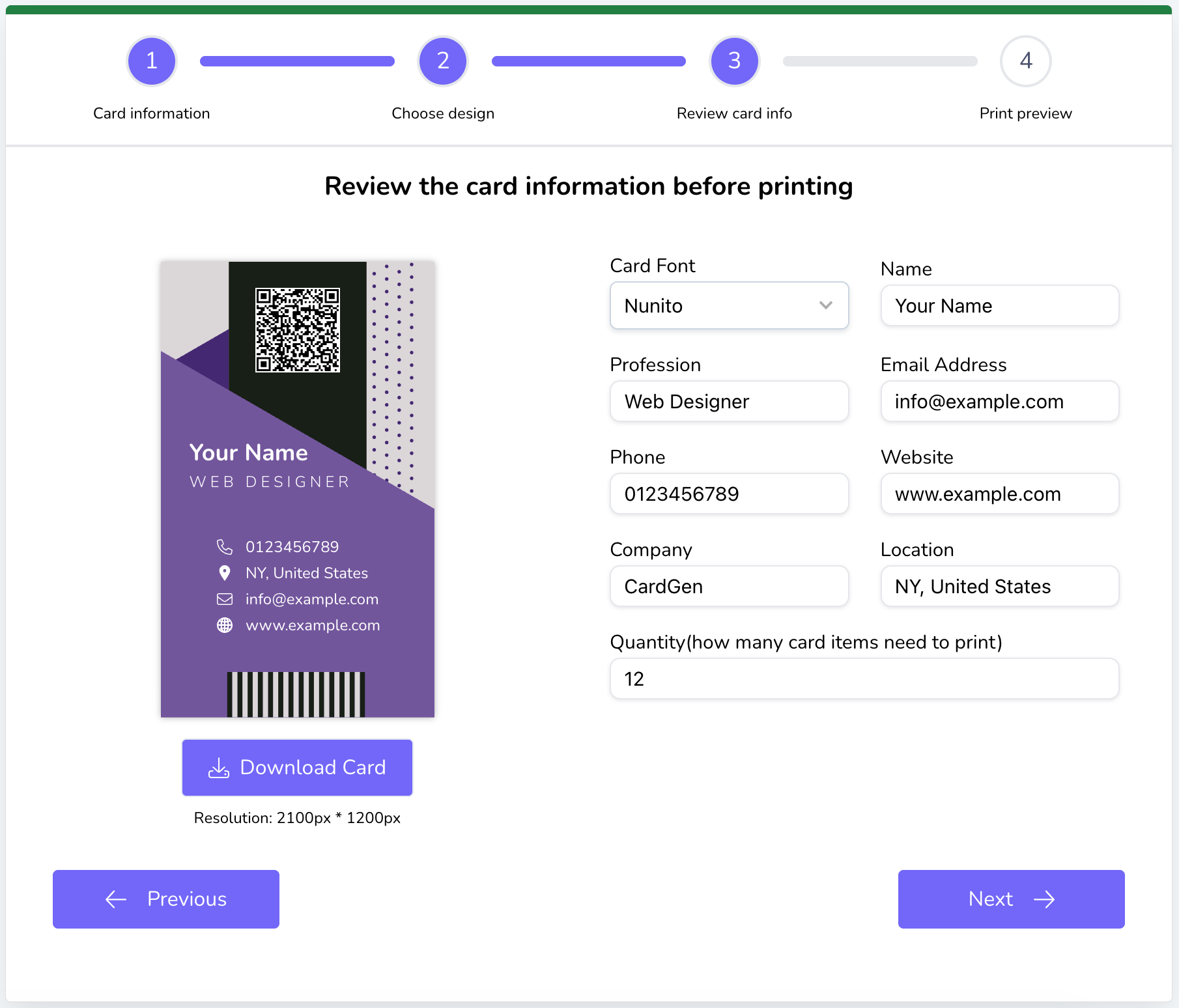
Most creators use their bio link to grow an email list or share contact information. Linktree requires third-party integrations to handle these tasks. ProfileSuite features a built-in vCard generator and customizable lead capture forms. Visitors can save your contact details directly to their phones with a single click, or submit their information directly into your self-hosted database, ready to be synced with your favorite CRM.
When to Choose Each Option
Choose Linktree if:
- You do not own a domain name and have no interest in acquiring one.
- You only need a temporary landing page for a casual, non-commercial project.
- You prefer not to manage any server configuration or software updates.
Choose ProfileSuite (Self-Hosted) if:
- You want to eliminate recurring monthly software fees.
- You want to build long-term SEO authority for your personal or business domain.
- You require absolute control over your branding, design, and user experience.
- You handle sensitive subscriber data and want 100% data ownership and privacy compliance.
- You want to generate dynamic QR codes and digital business cards that you control forever.
How to Set Up Your Self-Hosted Digital Business Card in Minutes
Deploying your own bio link platform is much simpler than it sounds. Because ProfileSuite is built on the robust Laravel framework with a Vue.js frontend, it is designed to run efficiently on standard web hosting environments.
Here is how to get started:
Step 1: Prepare Your Hosting Environment
ProfileSuite runs on standard PHP hosting. You will need:
* A domain or subdomain (e.g., links.yourdomain.com).
* PHP 8.1 or higher.
* A MySQL database.
Step 2: Upload the ProfileSuite Files
Purchase your lifetime license from SoftEntra and download the application package. Extract the files and upload them to your server's public directory using FTP or your hosting control panel's file manager.
Step 3: Run the Web Installer
Navigate to your domain in your web browser. ProfileSuite features an intuitive, step-by-step graphical installer that will guide you through:
1. Verifying server requirements.
2. Entering your MySQL database credentials.
3. Creating your administrator account.
Step 4: Customize and Launch
Once installed, log into your admin dashboard. Here, you can upload your avatar, write your bio, add your social links, configure your lead capture forms, and generate custom QR codes for your physical business cards. Your self-hosted bio link is now live, completely free of monthly fees and fully under your brand's control.
SoftEntra Recommendation: Own Your Digital Identity
As a creator, your brand is your most valuable asset. Relying on third-party SaaS platforms to host your primary traffic gateway is an unnecessary compromise in design, SEO, and financial efficiency.
By choosing a self-hosted alternative like ProfileSuite, you make a one-time investment that pays dividends for years to come. You keep your traffic on your own domain, protect your audience's privacy, and unlock complete creative freedom over your digital identity.
Ready to break free from monthly subscriptions and build a digital presence you truly own?
Explore ProfileSuite on SoftEntra and launch your self-hosted bio link platform today.
FAQs
What does self-hosted mean for a bio link tool?
Self-hosted means you buy the software license once and run it on your own server or hosting account (like a shared VPS or cPanel hosting). You own the data, the domain, and pay no monthly subscription fees to a third-party service.
Can I use my own domain with ProfileSuite?
Yes, absolutely. Because ProfileSuite is self-hosted, you deploy it directly on your own domain (e.g., links.yourname.com or yourname.com), giving you 100% of the SEO value and brand authority.
Is it difficult to set up a self-hosted link-in-bio tool?
Not at all. ProfileSuite is built on Laravel and Vue, featuring a straightforward installation wizard. Most creators can have it up and running on standard PHP hosting in under 10 minutes.
Take control of your digital identity today. Build your personal brand, capture leads directly, and own your traffic with ProfileSuite.