Easy
Write it once
Dump a thought, place it when you know when — nothing moves until you say so.
SoftEntra · On-device · Apple devices
Daily Plan, Timeline & Focus
Available on iPhone, Apple Watch, and iPad. Dump a thought, place it on the day, and close it — easy, focused, and shaped around your sunrise. Try Pro free for 7 days.
Easy
Dump a thought, place it when you know when — nothing moves until you say so.
Focused
One timer, honest distractions, and glances on Home Screen, Lock Screen, and Watch.
Yours
Sunrise markers, themes, and routines that follow the clock — or the sun.
One subscription
Plan on iPhone, glance and Focus from Apple Watch, and see the whole day on iPad — the same DayNorth day, wherever you are.
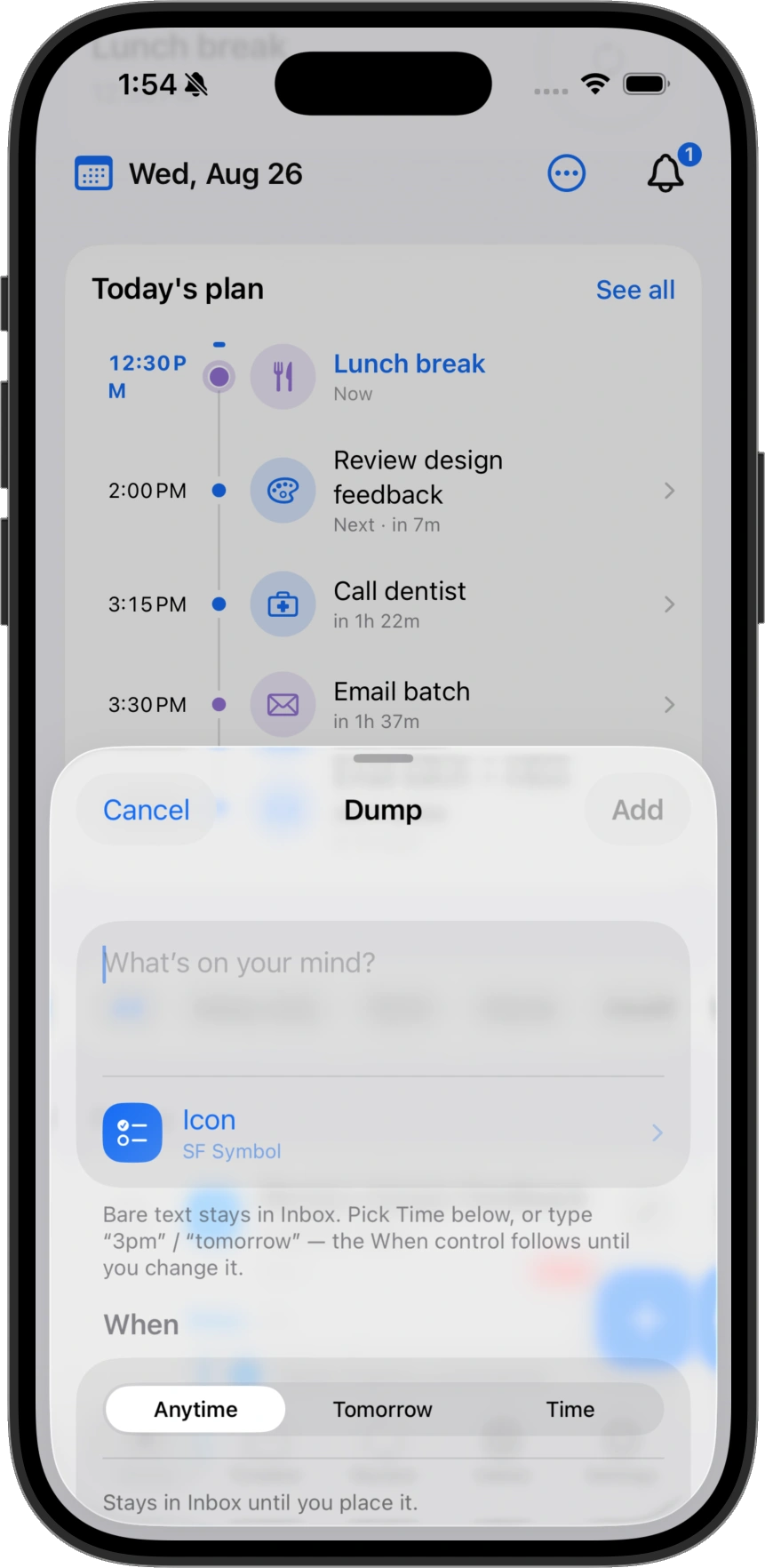
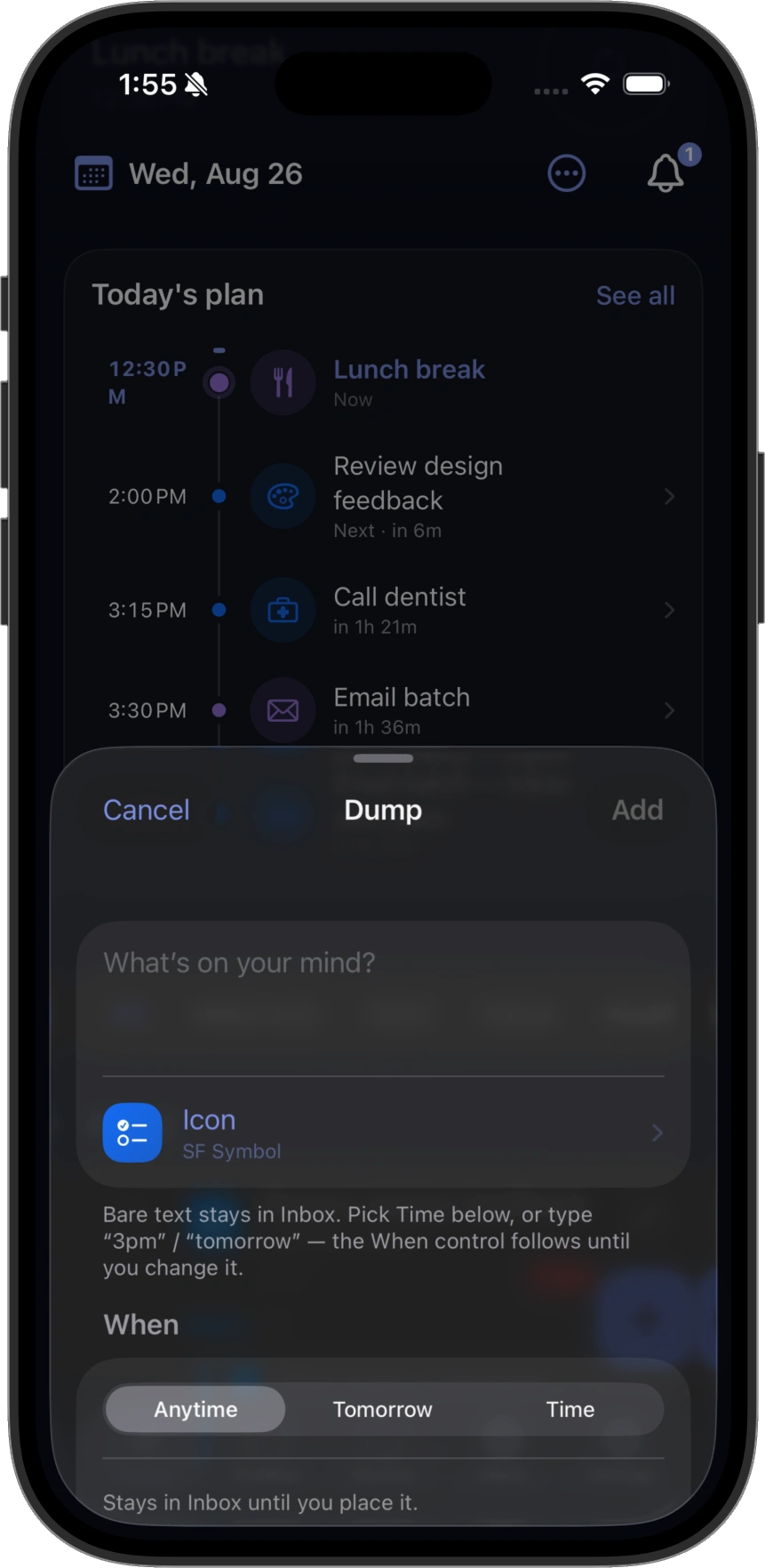
01 Dump
One sheet for whatever’s on your mind. Bare text stays in Inbox; add a time — or type “3pm” / “tomorrow” — when you already know when it belongs.
02 Timeline
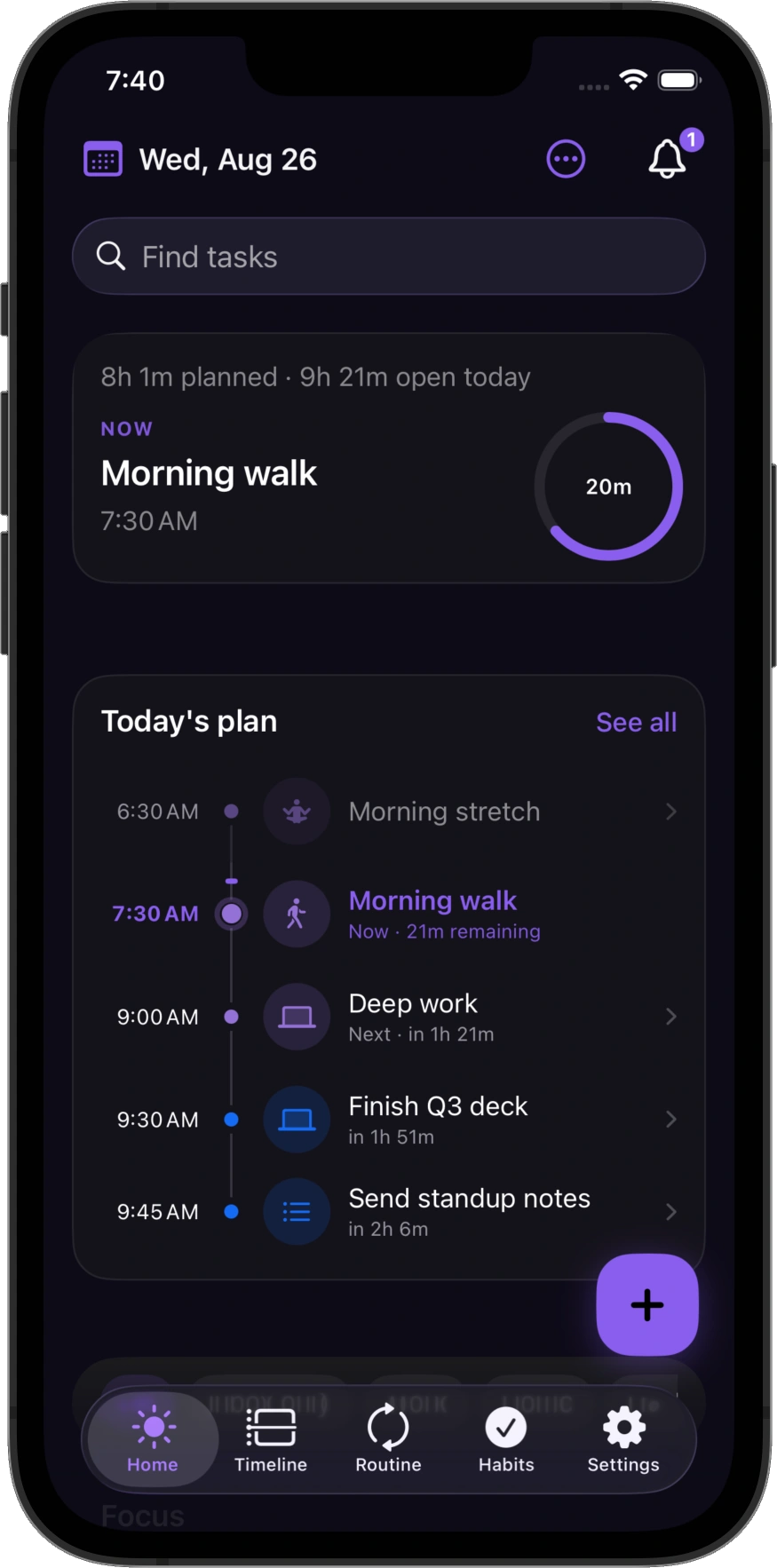
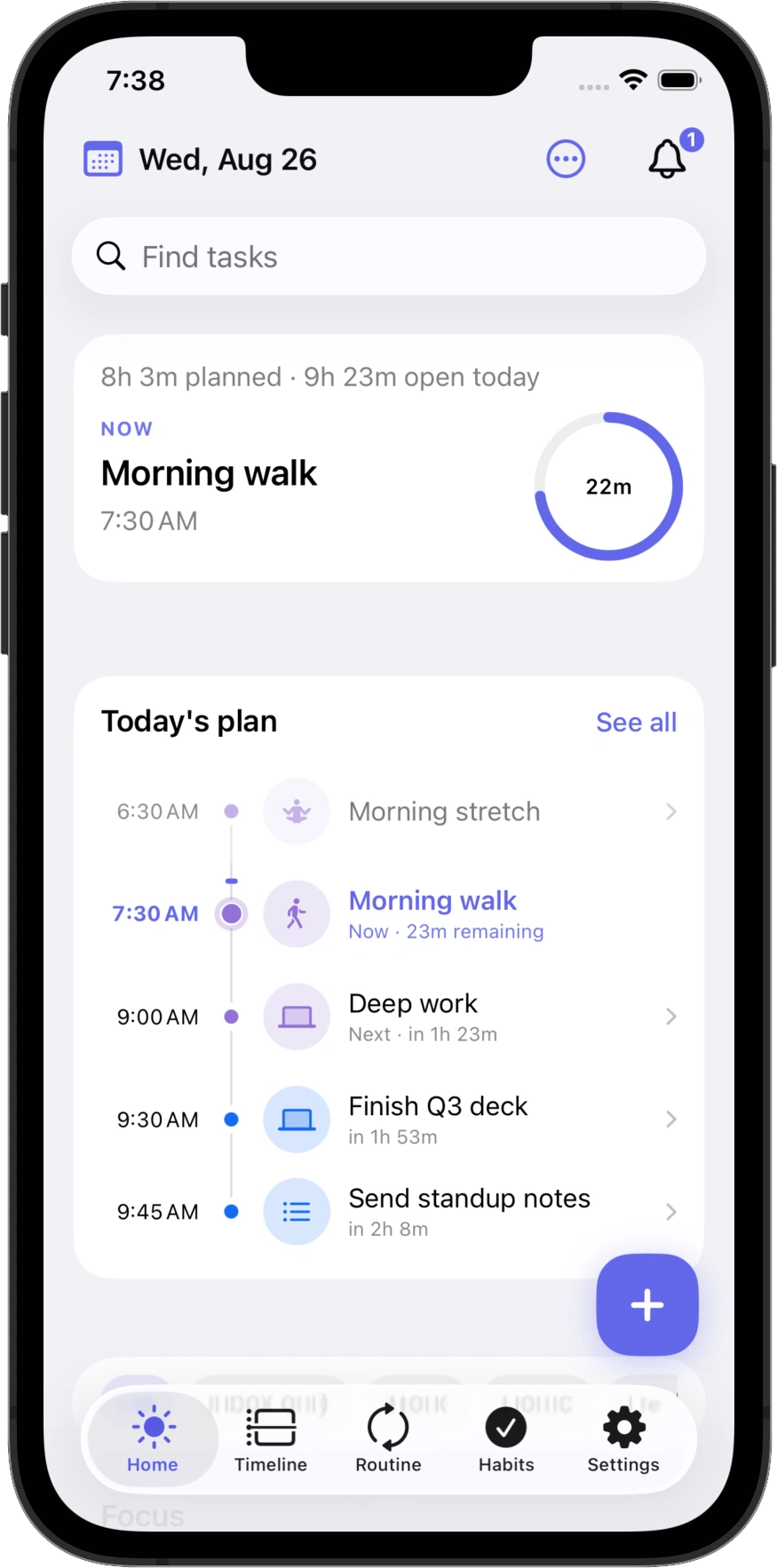
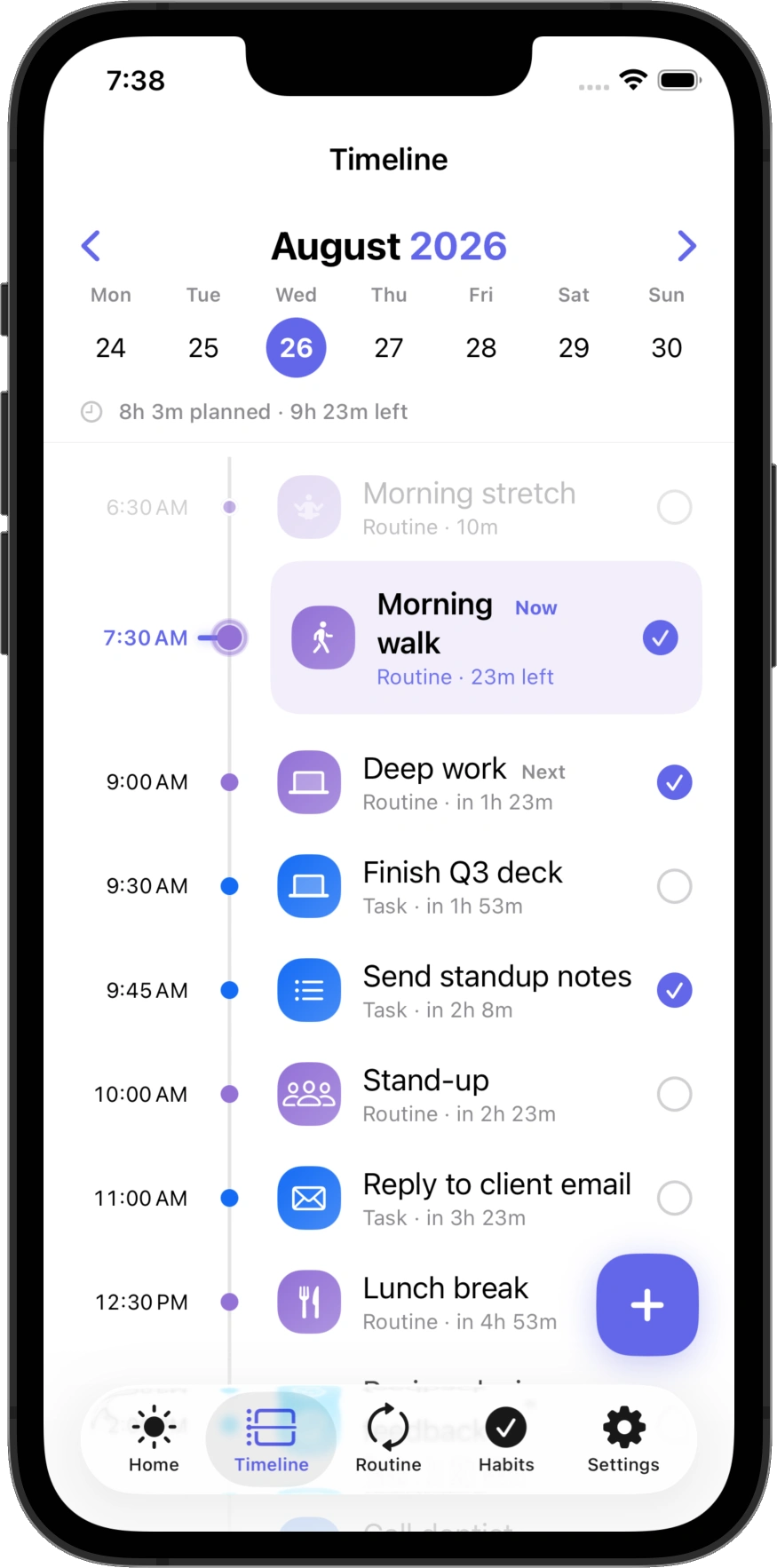
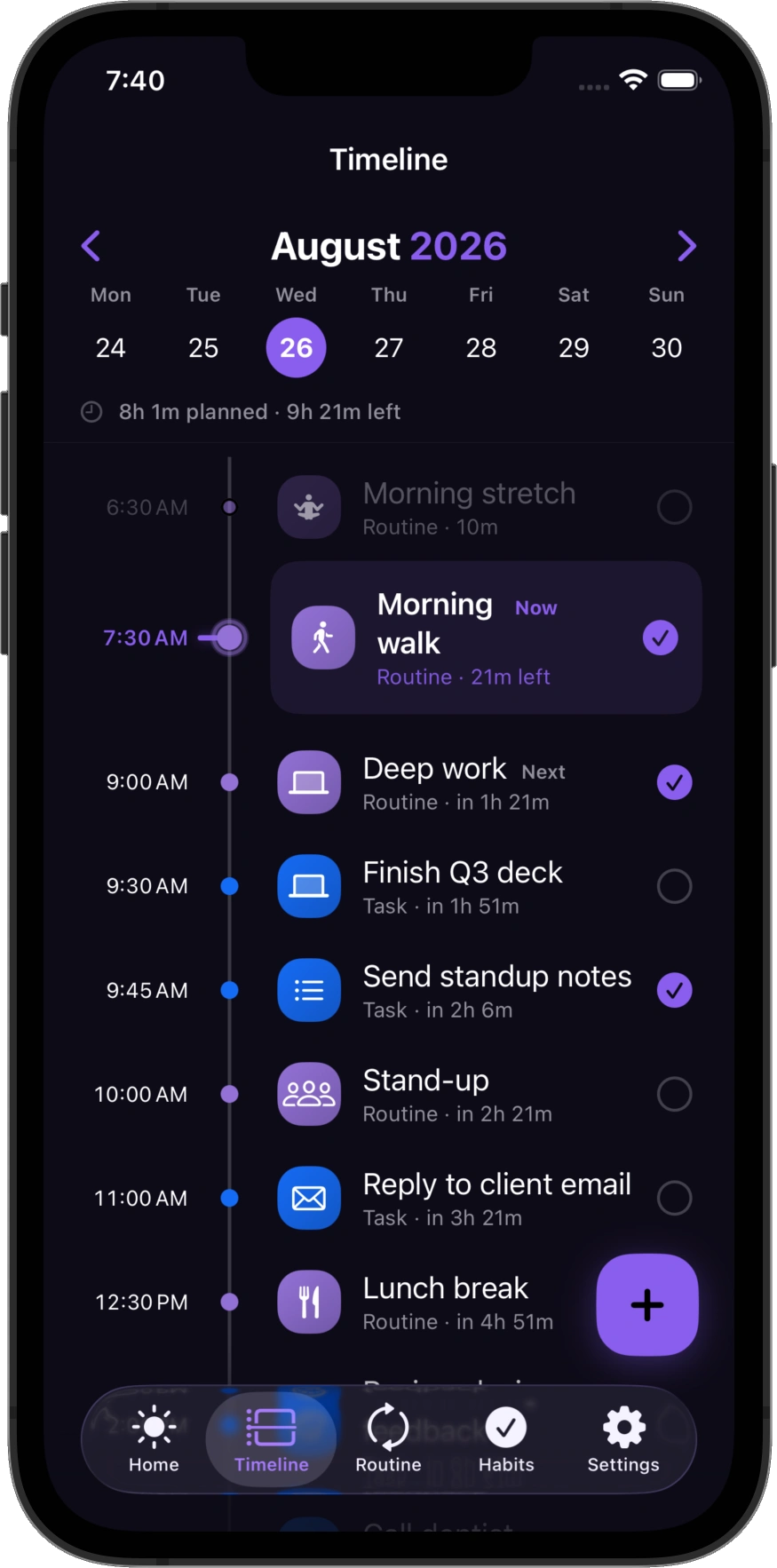
A vertical day with sunrise–sunset rhythm. Place work where it belongs, then move through it in sequence — light or dark.
03 Dynamic routines
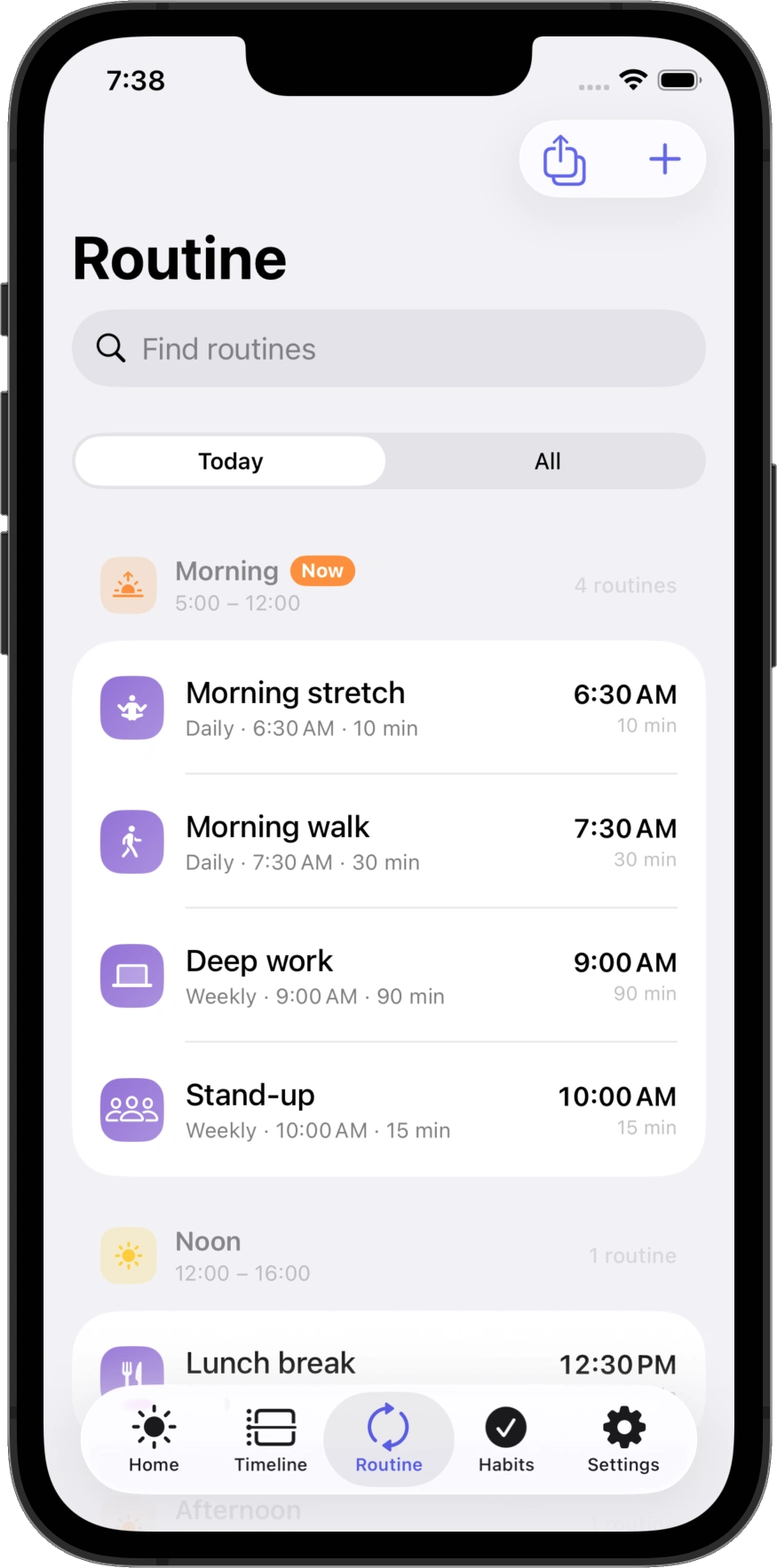
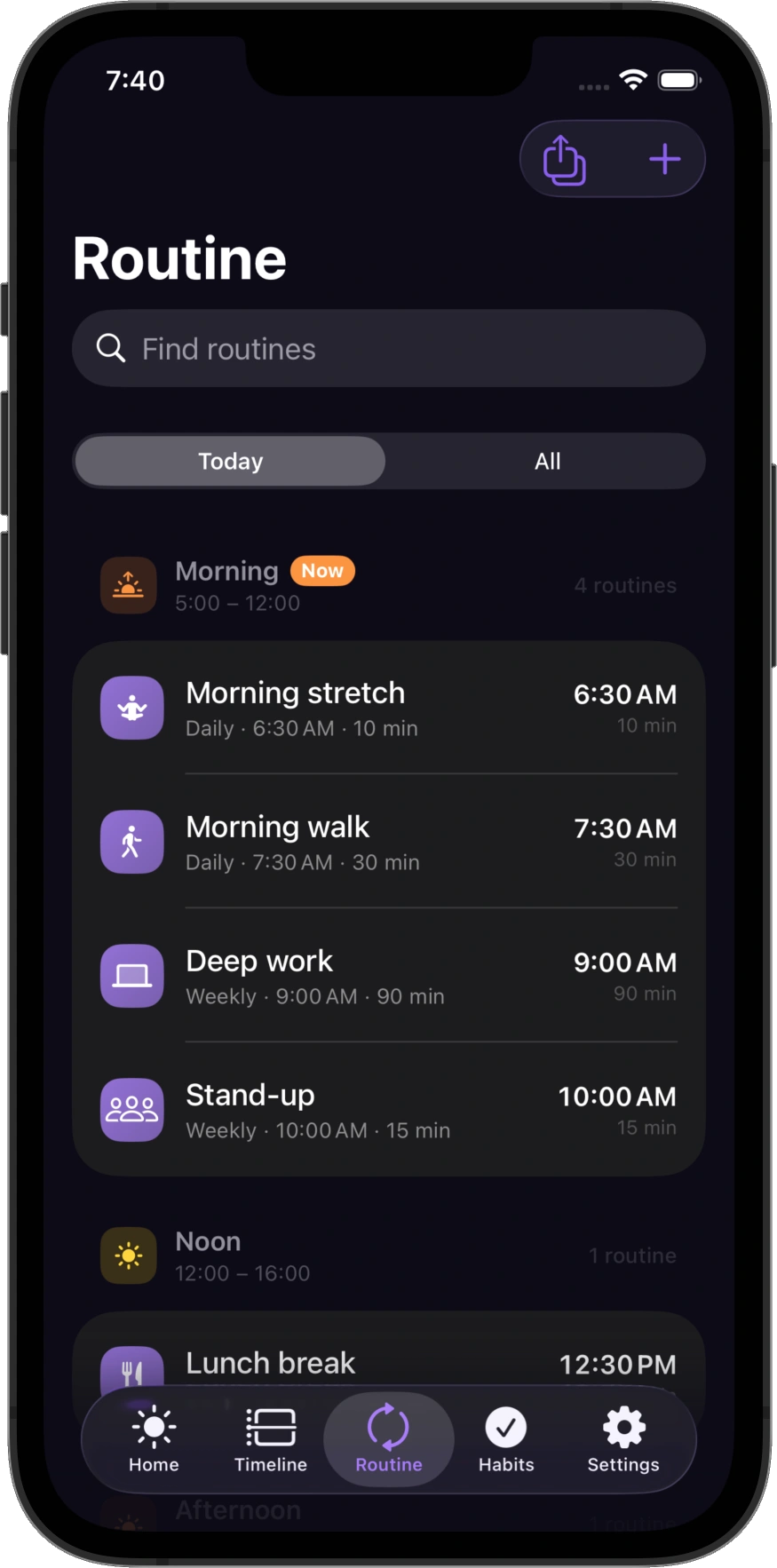
Morning walk, deep work, wind down. Set a fixed clock time, or anchor a block to dawn, noon, or sunset so the day shifts with the light.
04 Habits
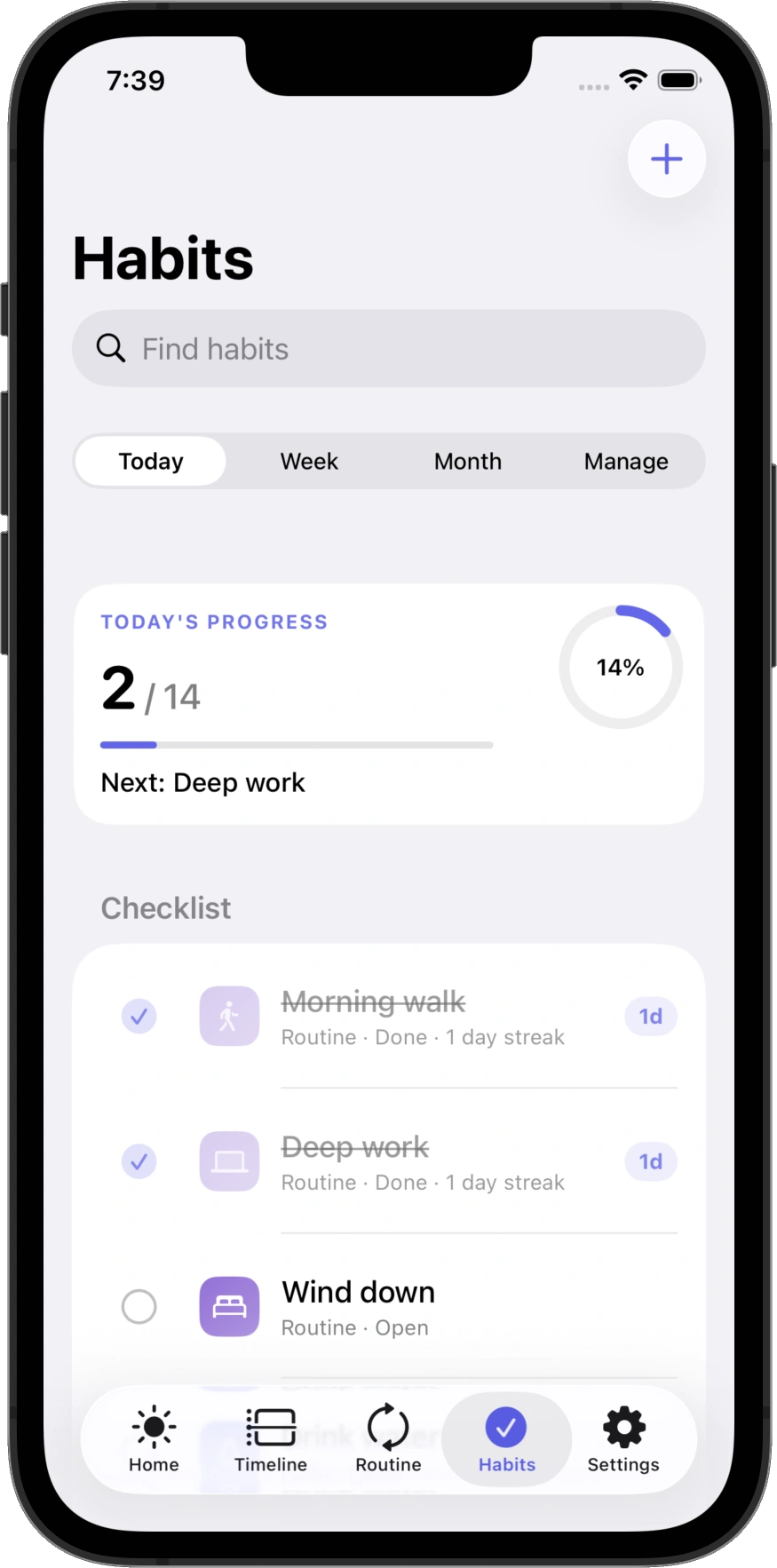
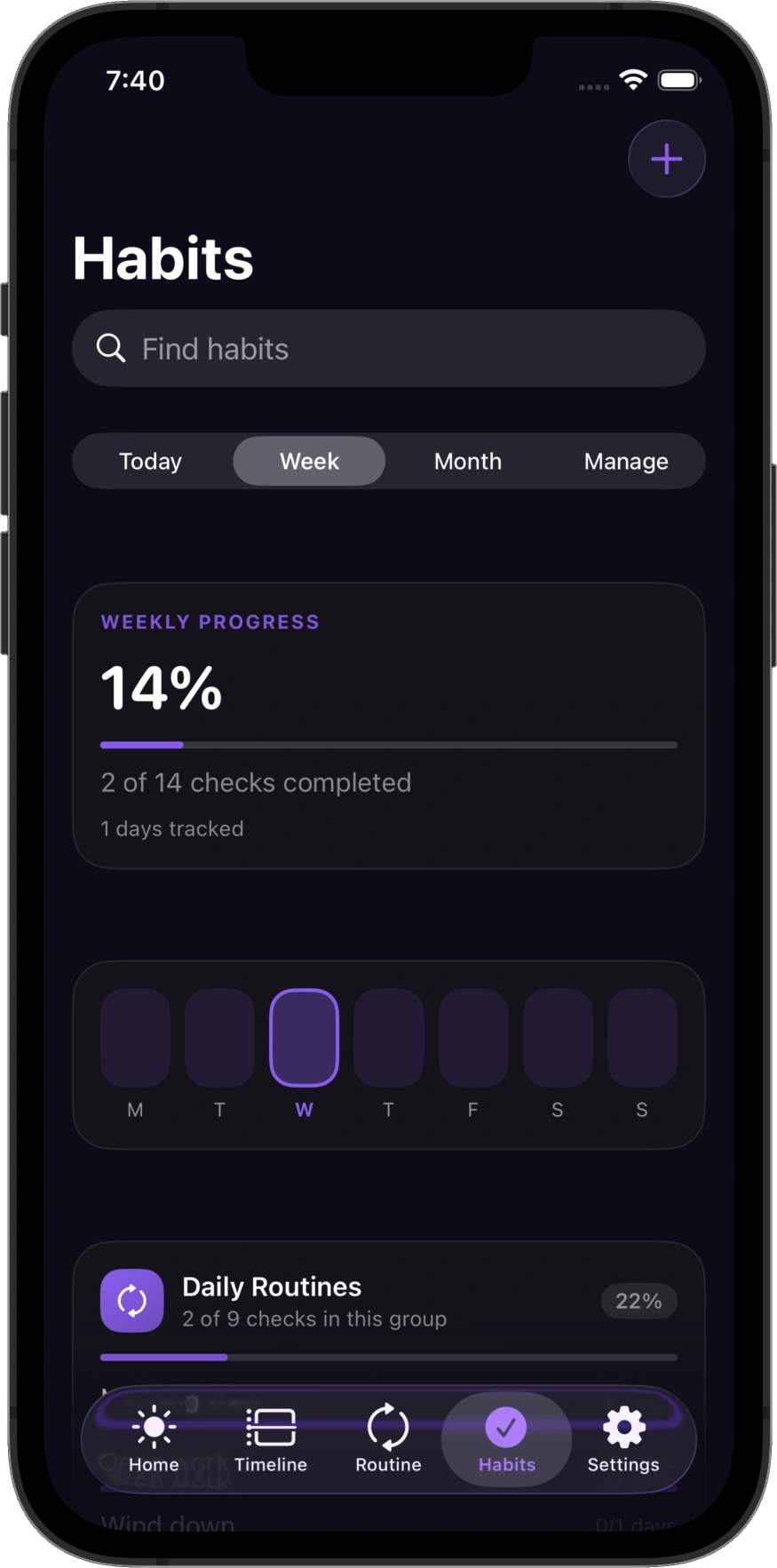
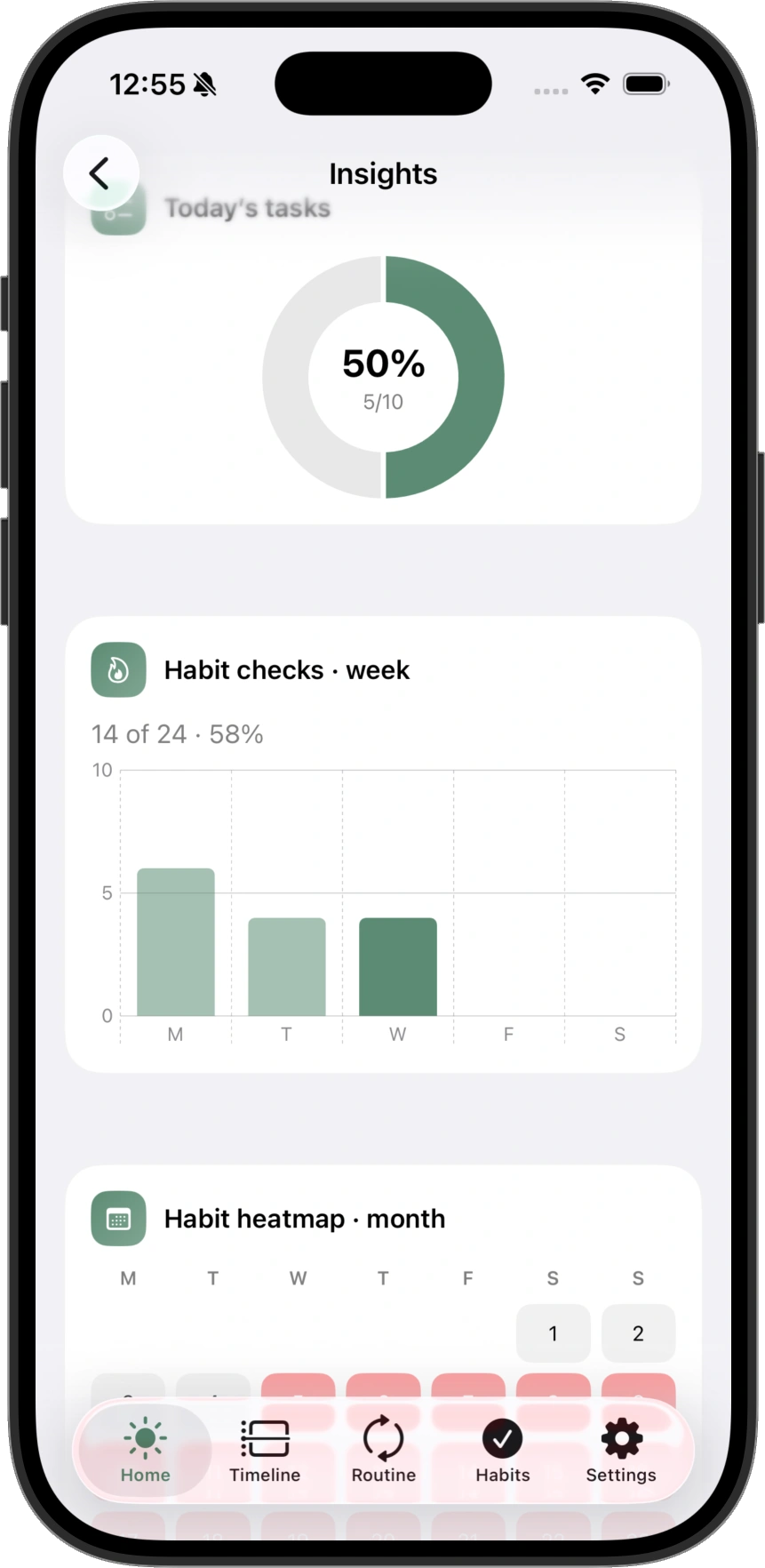
Day, week, and month for the habits you keep — streaks, progress, and routine-linked check-ins.
05 Focus
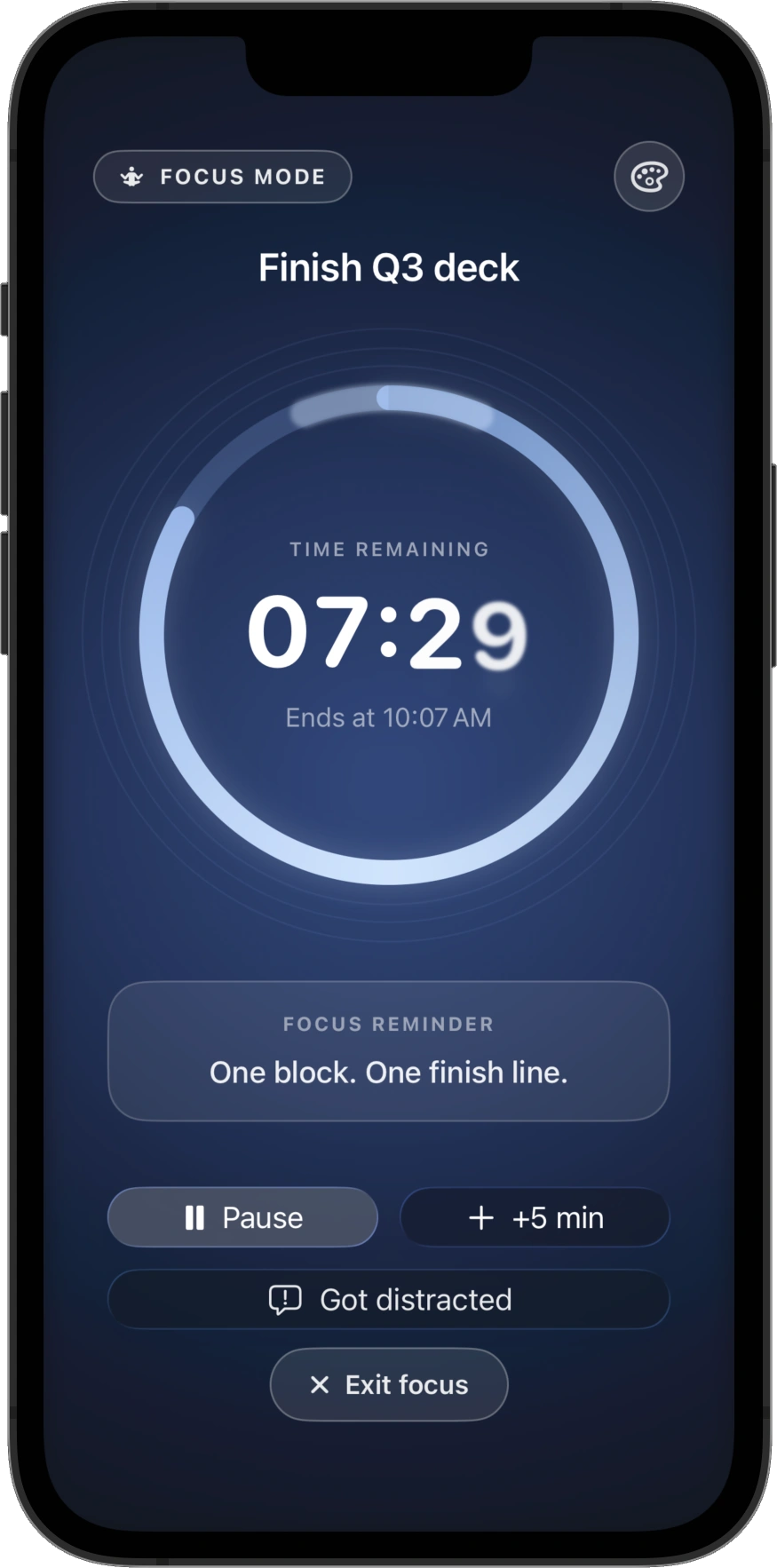
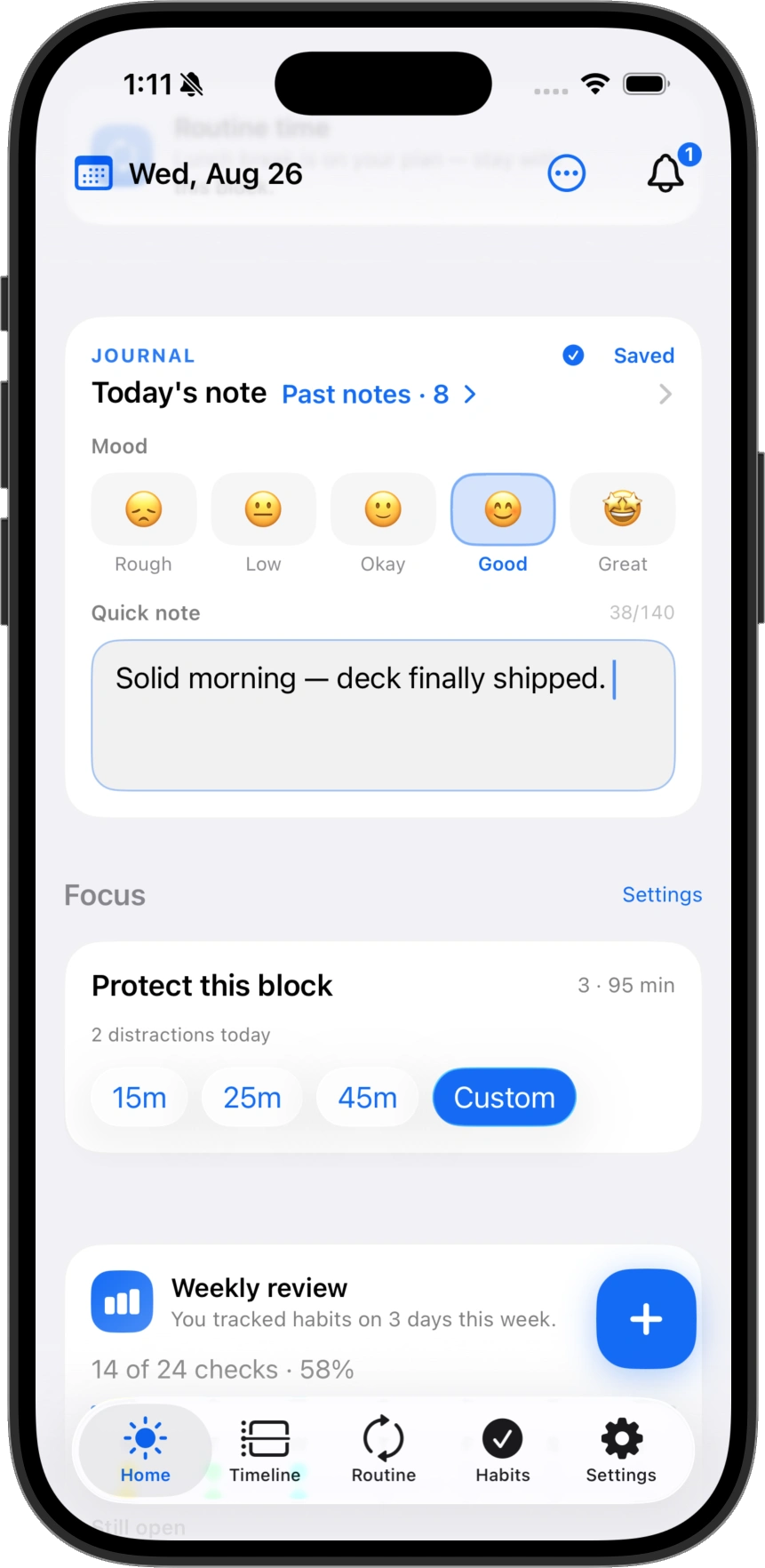
One title. One countdown. Pause, add five minutes, or log a distraction — then finish and move on.
06 Widgets & glances
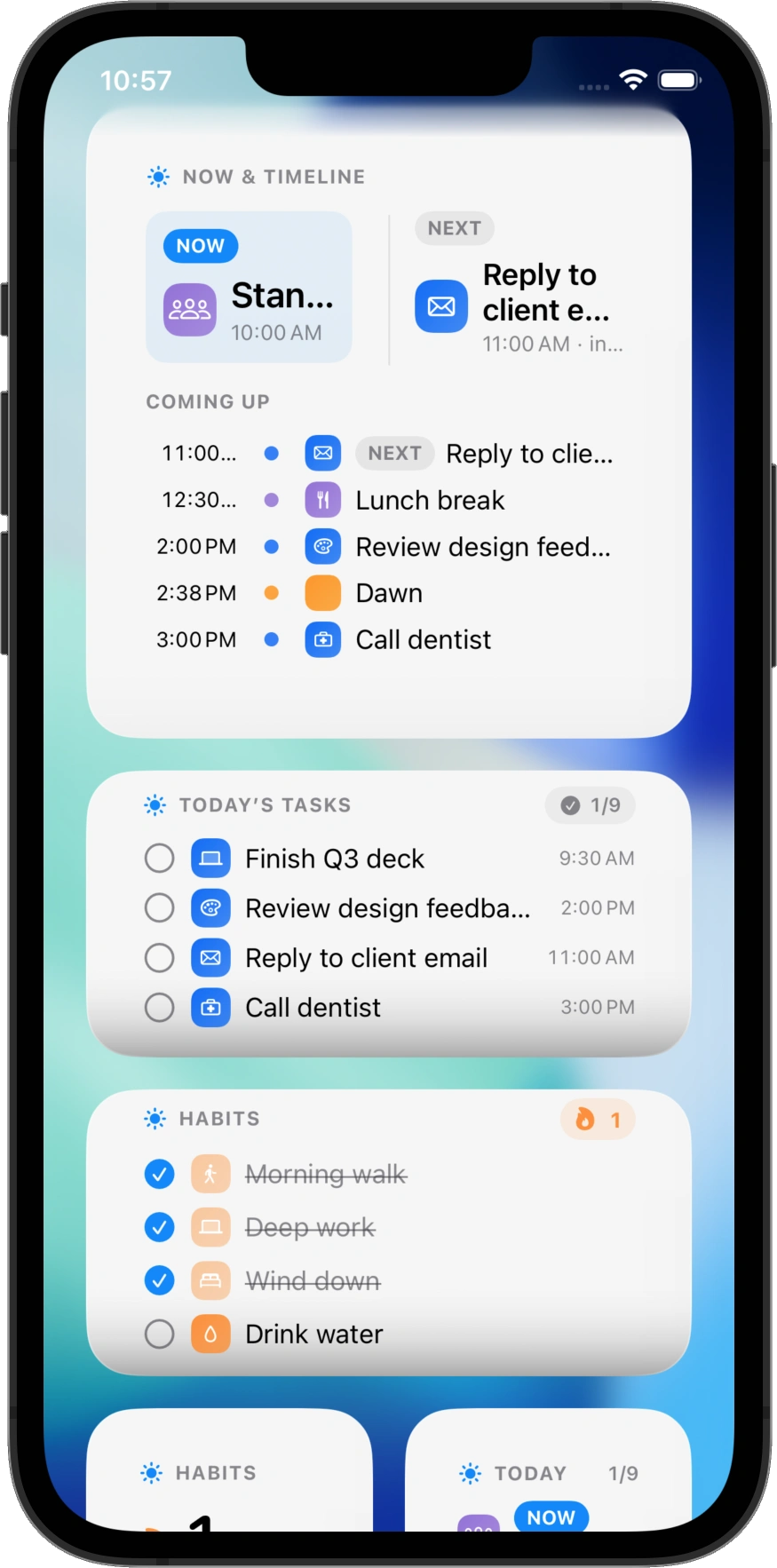
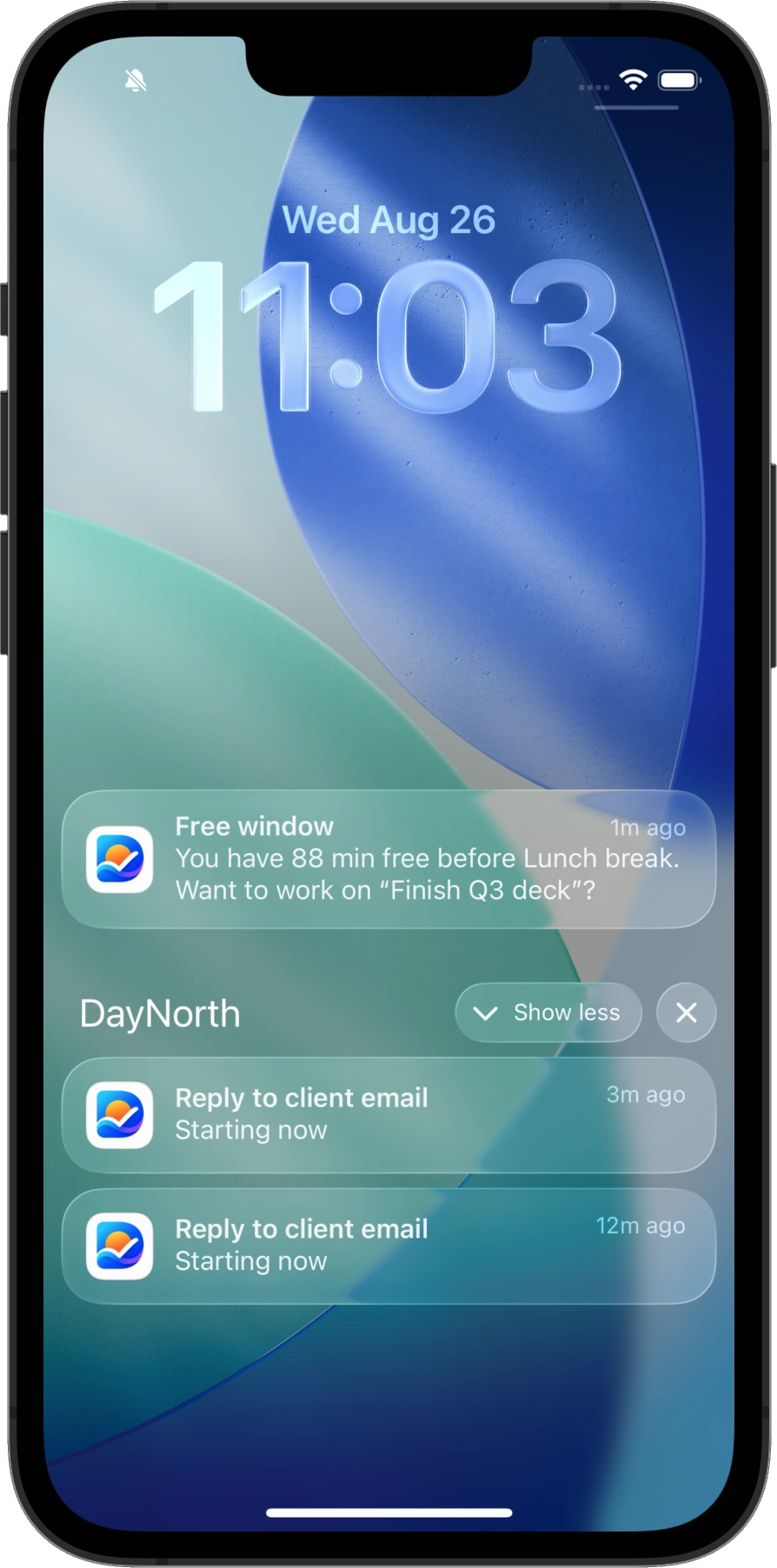
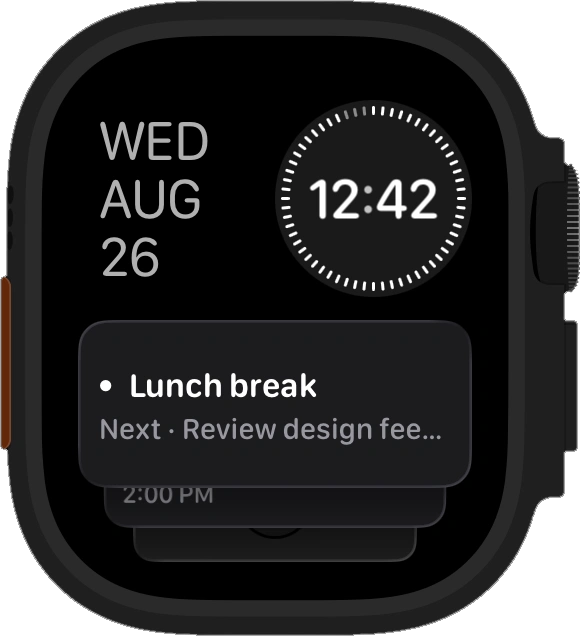
Now & next, today’s tasks, habits — plus Lock Screen nudges when a free window opens.
07 Apple Watch
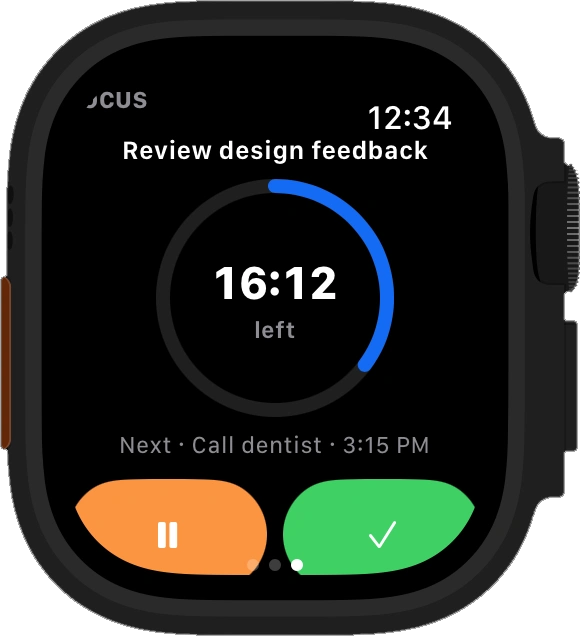
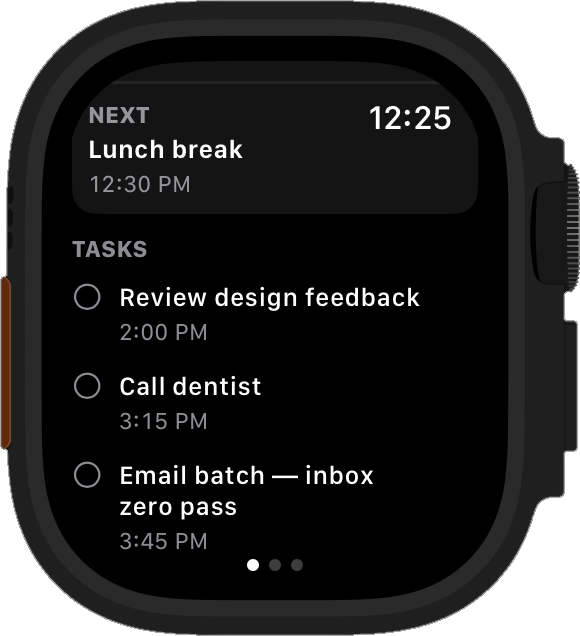
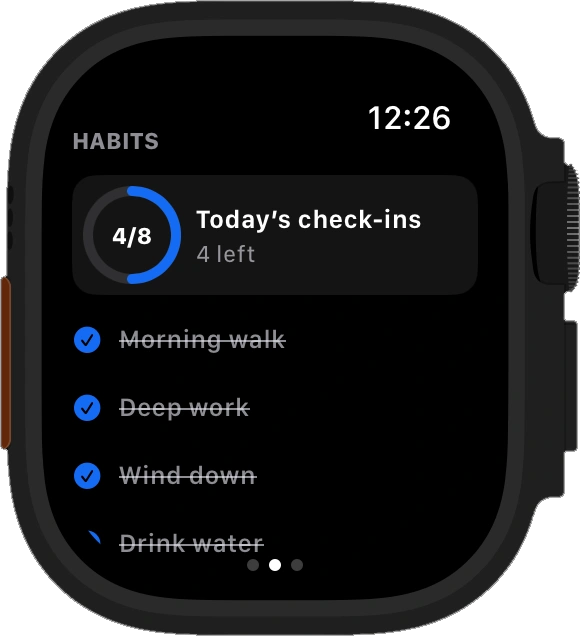
Available on Apple Watch — start and finish Focus, glance Next up, check habits. Companion app plus complications for the face.
08 Insights
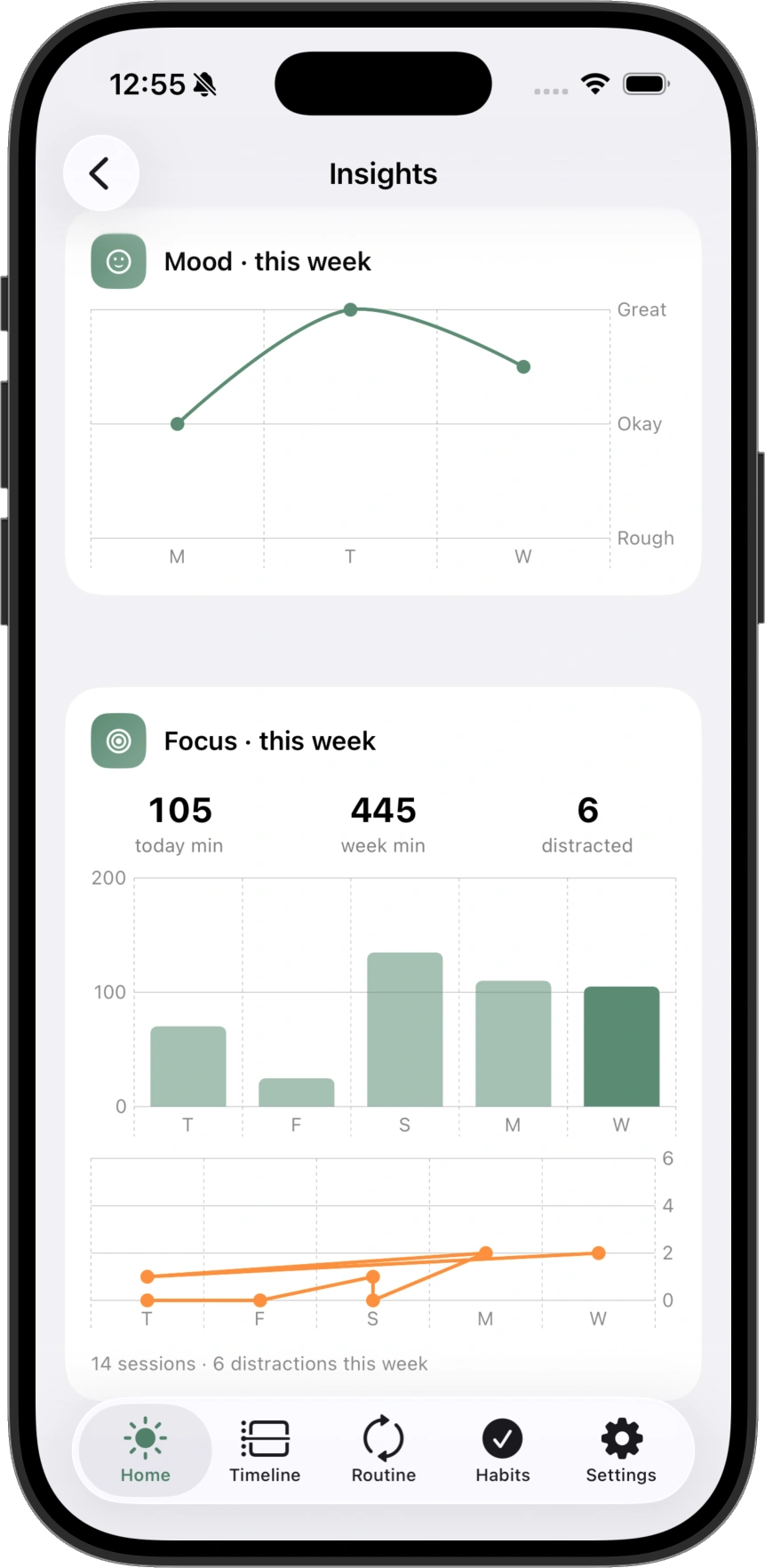
Mood, Focus minutes, and habit progress — charts that stay on your device.
09 Made for your day
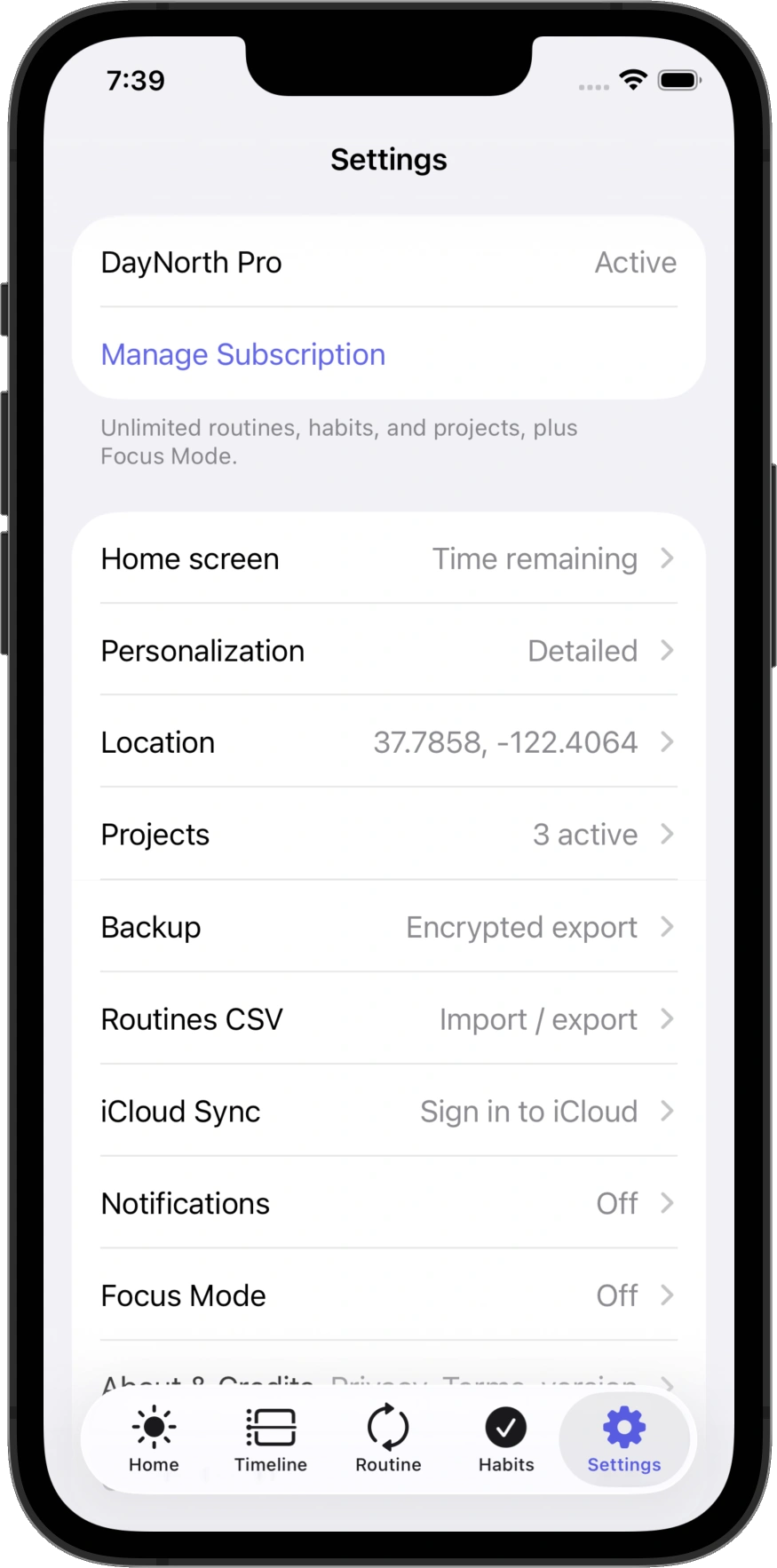
Themes, layout density, work hours, a short journal line, and projects that keep related work together — so DayNorth feels like yours.
10 Everywhere you already look
Dump a task or start Focus without digging for the app — the same day, from the places you already use.
Dump, schedule, toggle, and Focus with phrases that live in Shortcuts.
Quick Dump, Focus toggle, and Next up — one swipe away.
Find tasks, routines, and habits without scrolling the whole day.
Open the right item from system search when you need it fast.
11 iPad
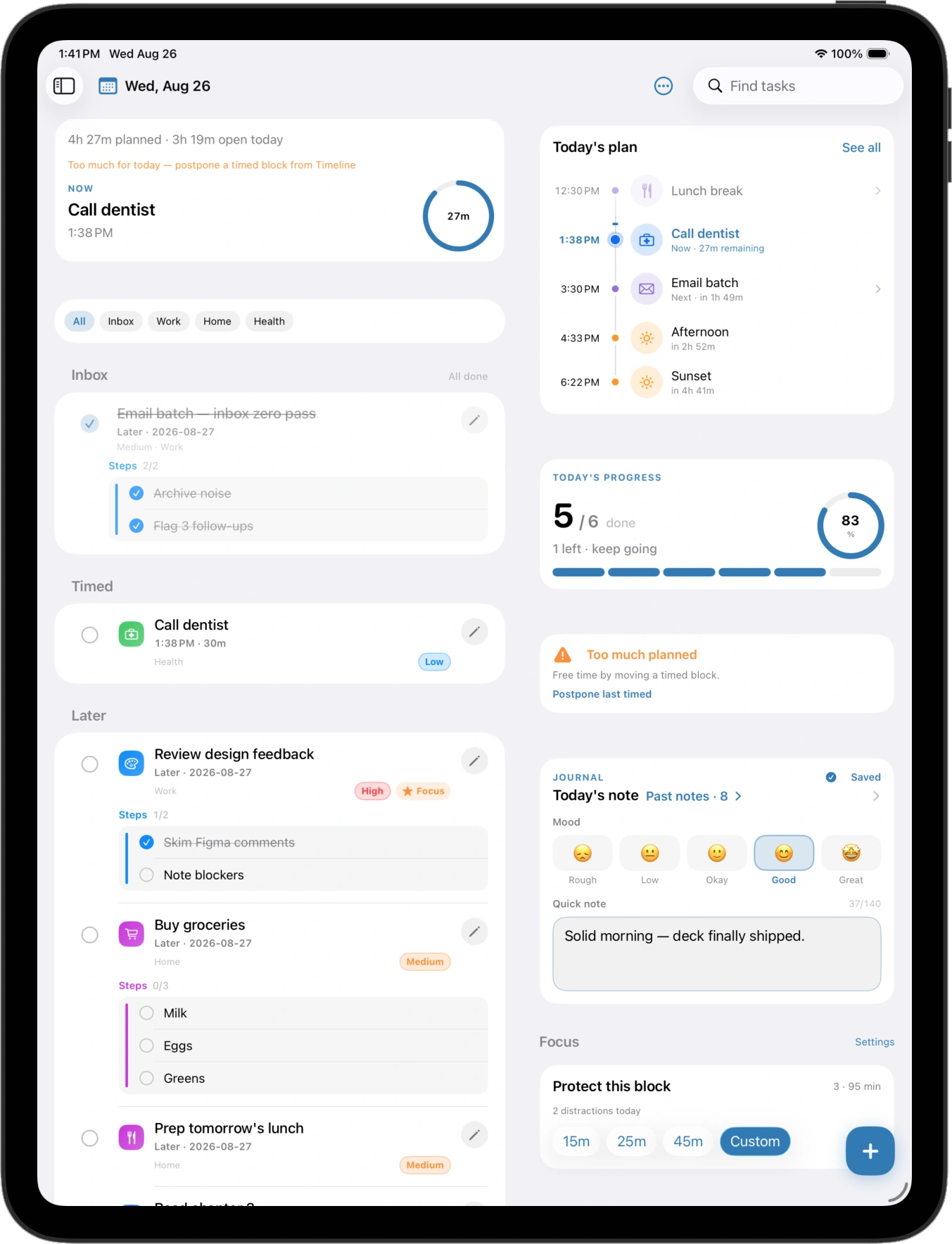
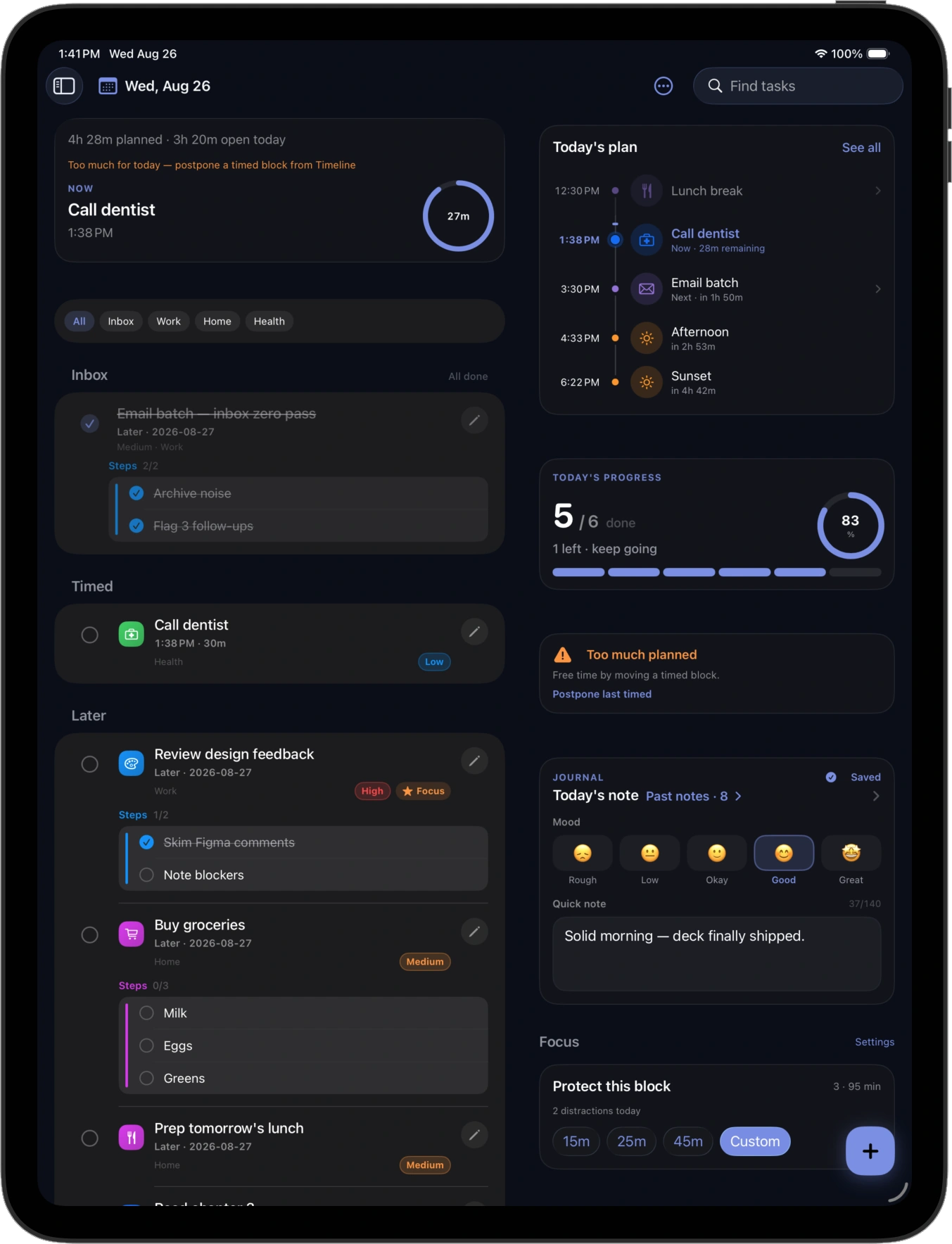
Available on iPad — side-by-side timeline, progress, journal, and Focus. The same day as iPhone, with more breathing room.
12 On-device
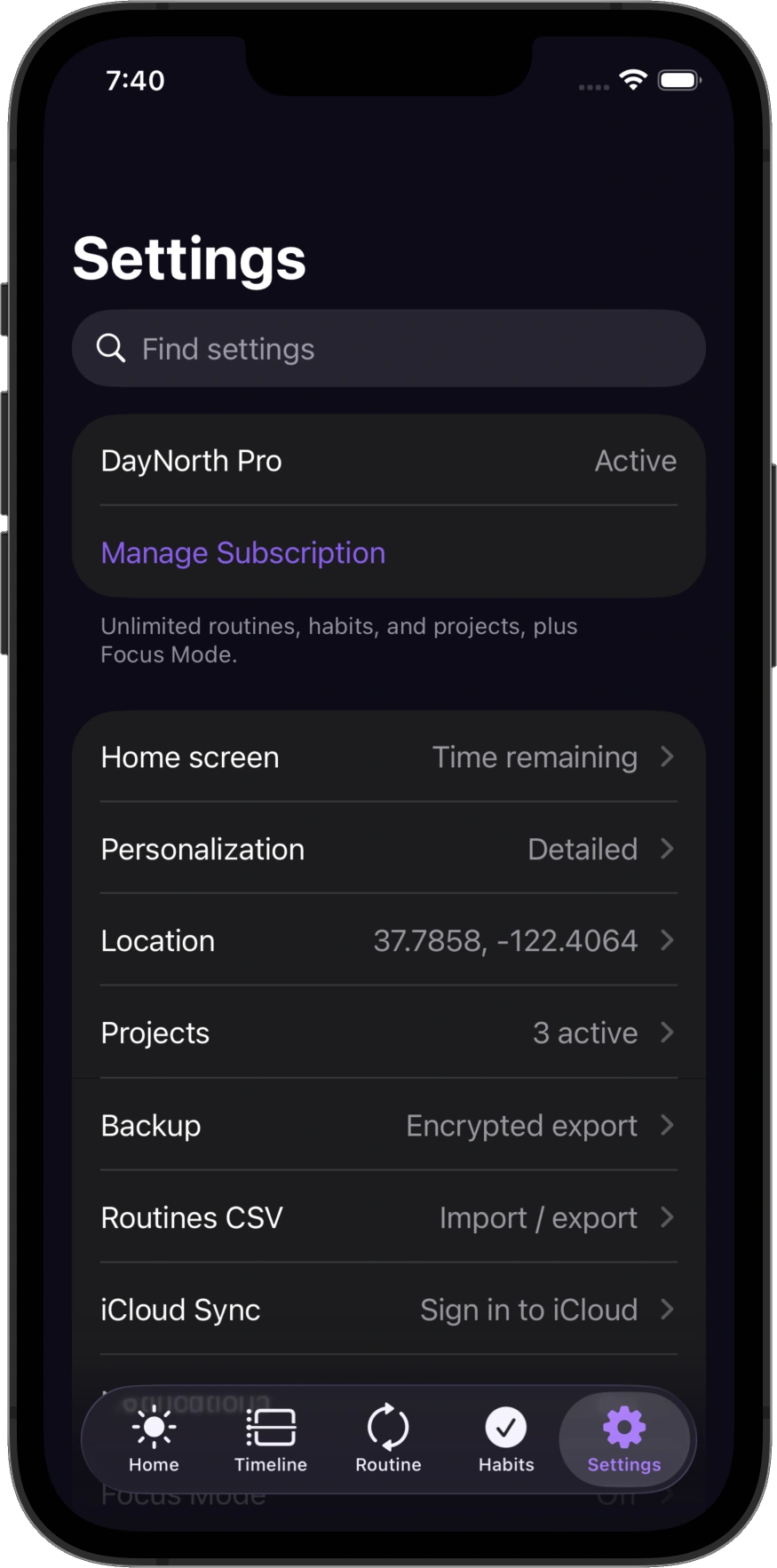
No SoftEntra cloud account for planner data. Location is optional and only When In Use for sunrise and sunset. Backups and optional app lock stay under your control.
How it works
Four steps. No auto-schedule. You stay in charge of the day.
Capture a task the moment it appears.
Put it on today’s timeline when you know when it belongs.
Follow the day from sunrise markers to what’s next.
Check it off and carry open work forward cleanly.
DayNorth Pro
DayNorth is a paid app for iPhone, Apple Watch, and iPad through Apple. Start with a 7-day free trial on the yearly plan, then keep everything that makes the day easy, focused, and yours.
Monthly
$2.99 / month
Flexible — month to month, cancel anytime.
Best value · 7-day free trial
Yearly
$19.99 / year
About $1.67 / month — try free for 7 days, then save vs monthly.
Manage or cancel in Settings → Apple ID → Subscriptions, or Manage Subscription in DayNorth. Terms · Privacy
For DayNorth Pro members
Paying for DayNorth? Tell us what would make your day easier. SoftEntra reads every request from Pro members and uses them to shape what we build next.
Include your Apple ID email and a short description of the idea.
We use cookies to understand how visitors use this site. Cookie Policy